
Free Facebook Ad Mockup Generator
Preview your Facebook and Instagram ads as it would look in Meta interface. Feed, Stories, Reels, carousel. Download as PNG in seconds.
Also works as a Meta ad preview tool, Instagram ad mockup generator, and Facebook sponsored post simulator.
Single image ad in the Facebook newsfeed.
Engagement counts
%22%2F%3E%0A%20%20%3Ctext%20x%3D%2240%22%20y%3D%2250%22%20font-family%3D%22Inter%2C%20system-ui%2C%20sans-serif%22%20font-size%3D%2232%22%20font-weight%3D%22700%22%20fill%3D%22white%22%20text-anchor%3D%22middle%22%3EYB%3C%2Ftext%3E%0A%3C%2Fsvg%3E)
%22%2F%3E%0A%20%20%3Cg%20fill%3D%22white%22%20opacity%3D%220.92%22%20font-family%3D%22Inter%2C%20system-ui%2C%20sans-serif%22%20text-anchor%3D%22middle%22%3E%0A%20%20%20%20%3Ctext%20x%3D%22540%22%20y%3D%22510%22%20font-size%3D%2256%22%20font-weight%3D%22700%22%3EYour%20ad%20image%3C%2Ftext%3E%0A%20%20%20%20%3Ctext%20x%3D%22540%22%20y%3D%22585%22%20font-size%3D%2232%22%20opacity%3D%220.7%22%3EUpload%20to%20replace%20this%20preview%3C%2Ftext%3E%0A%20%20%3C%2Fg%3E%0A%3C%2Fsvg%3E)
Mockup ready. Now generate the real ad creatives.
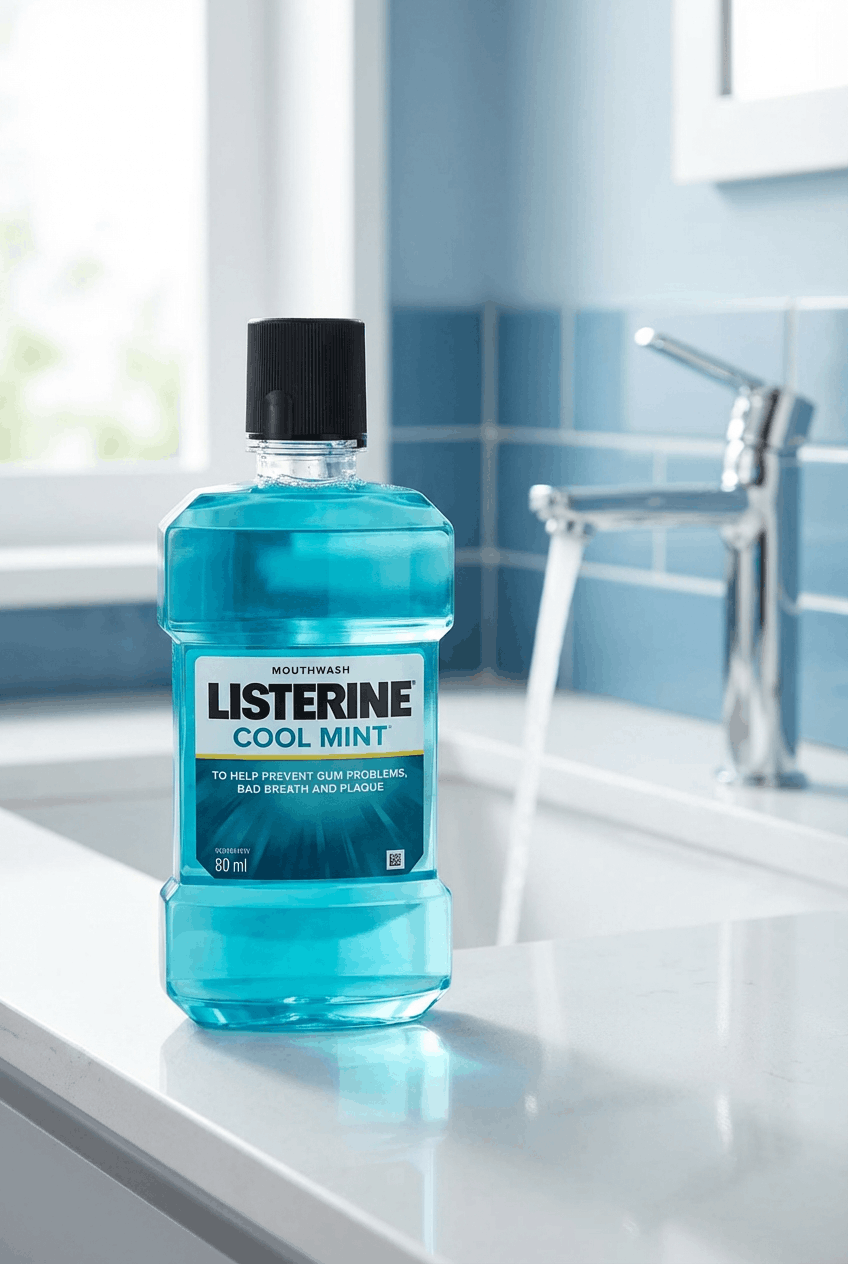
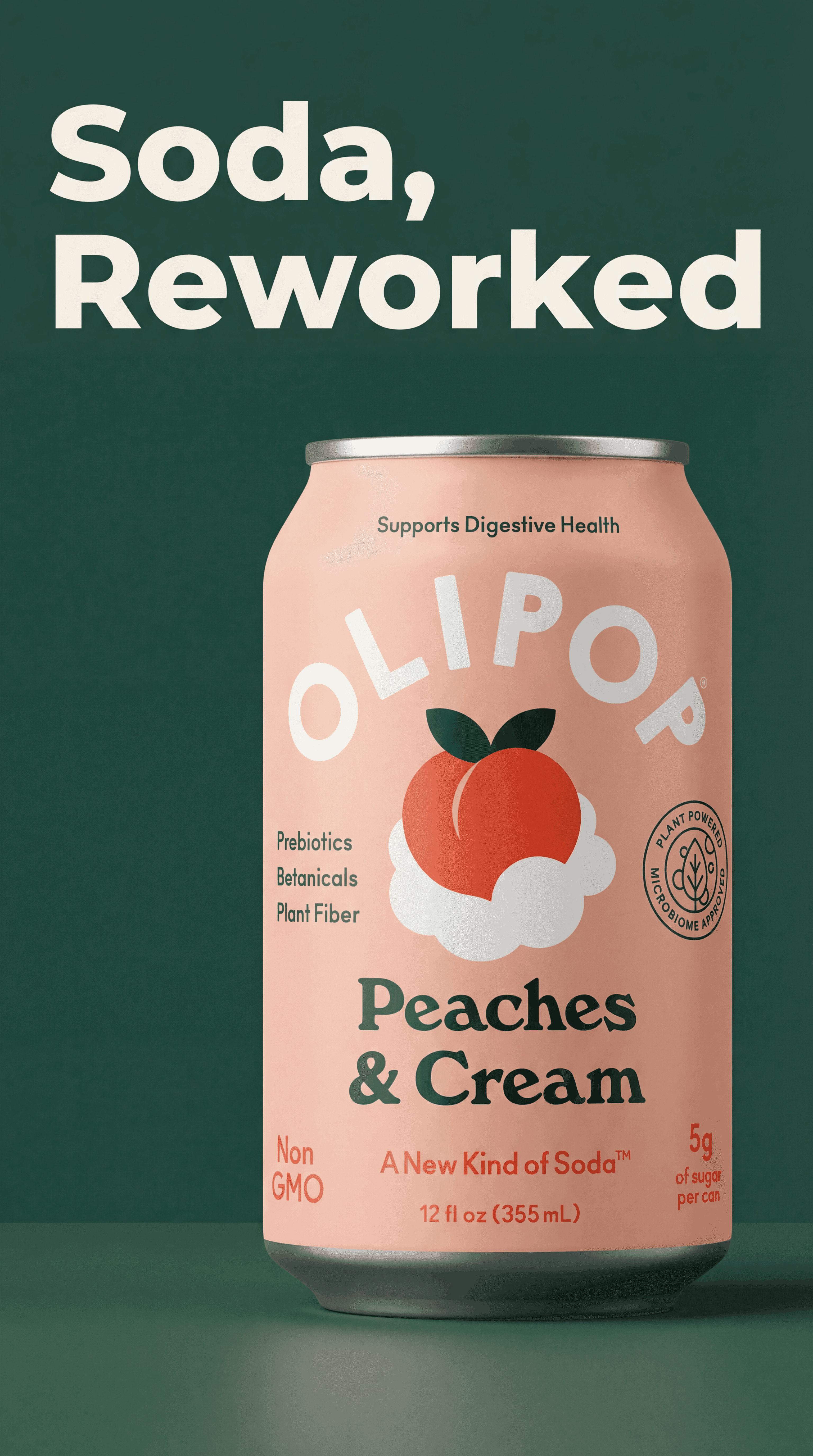
NovaBrand turns one product photo into 10 ad-ready Facebook creatives. The packaging stays pixel perfect across every variant so the brand reads the same in every test. Drop one back into this mockup and you have a complete ad to ship.
Why mockup a Facebook ad before you launch?
Reading copy in a Google Doc is not the same as seeing the ad in the actual feed. A mockup allows your team to make every decision in context.
- Catch typos before they cost money
A typo in a mockup is free to fix. The same typo on a live campaign costs every dollar you spend on impressions before someone notices.
- Get client sign-off faster
Clients struggle to picture a finished ad from a brief. A polished mockup turns the approval call into a yes or a small edit.
- Pick the winner before testing
Mock up 3 versions side by side. The weakest one is almost always obvious before any spend.
Every Facebook and Instagram ad format, one tool
The mockup renders the actual 2026 Meta interface for each placement. Switch between them without leaving the page.
Feed
1080×1080 (1:1) or 1200×628 (1.91:1). Mobile and desktop.
The newsfeed placement is where most Facebook ads run. Preview your single image, primary text, headline, description and call to action exactly as they appear in the scroll.
Stories
1080×1920 (9:16). Mobile only.
Full screen vertical placement between user stories. The tool renders the progress bar, header, and call to action chip the way Meta shows them on iOS and Android.
Reels
1080×1920 (9:16). Mobile only.
Reels carry the right side action column with likes, comments, shares and follow controls. Drop in your vertical creative and see the call to action button render below the caption.
Carousel
1080×1080 per card. Two to ten cards.
Each card carries its own image, headline, description and call to action. The mockup shows the side scroll on mobile and the navigation arrows on desktop.
How to create a Facebook ad mockup in 30 seconds
5 steps. No login required.
- 1
Pick the format
Choose Feed, Story, Reel or Carousel. The preview on the right updates to match the placement.
- 2
Upload your image or video frame
PNG, JPG or WebP works for static creatives. Feed accepts 1:1 or 1.91:1. Stories and Reels expect 9:16.
- 3
Write the copy
Type the primary text, headline and description. The character counters mirror Facebook recommended limits.
- 4
Set the call to action
Pick from the real Meta call to action options. Shop Now, Learn More, Sign Up, Download and more.
- 5
Download or share
Hit download to save the mockup as a PNG. Drop it in Slack, email a client, or print for a meeting.
Don't have the ad creative yet? Generate it from your product photo.
A mockup needs an image. NovaBrand turns a plain product photo into an ad ready creative in seconds. Drop the result back into this mockup and you have a complete ad to ship.
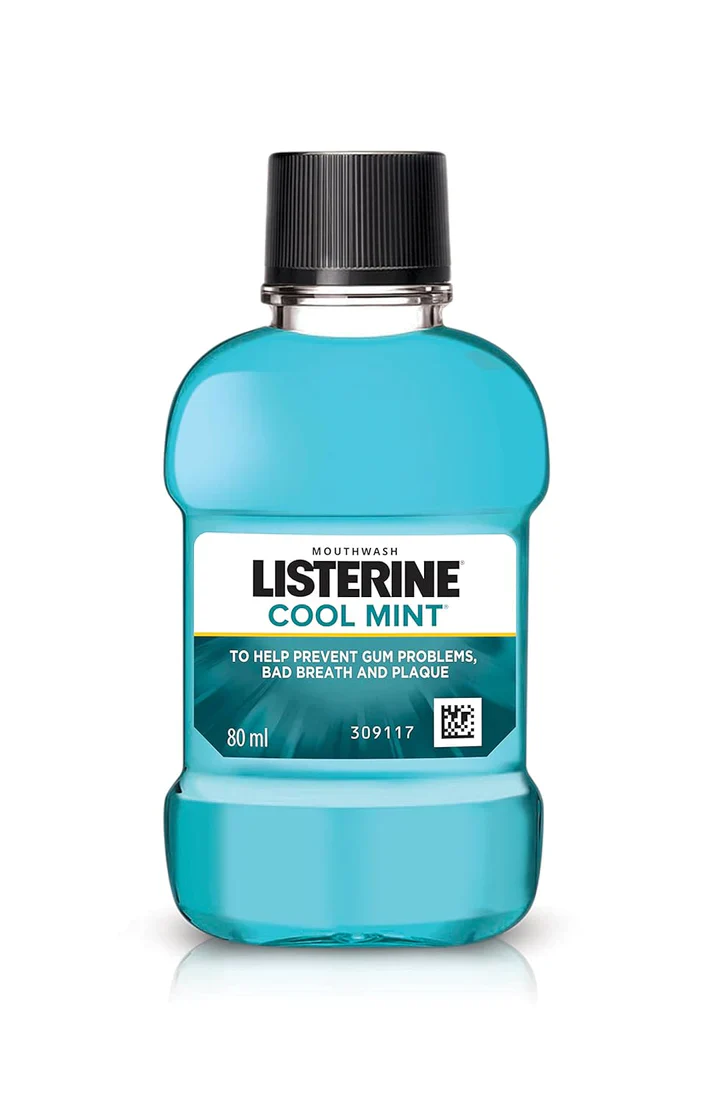
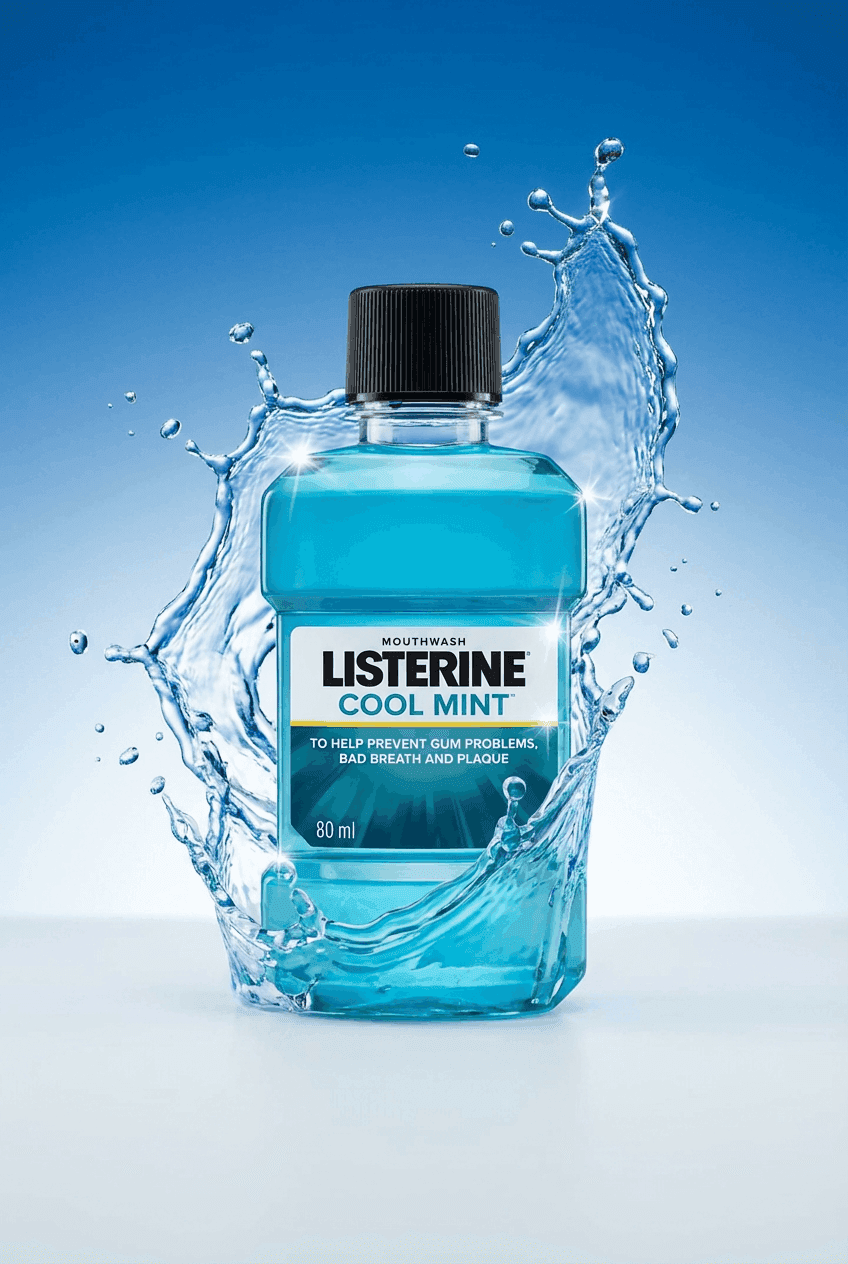
One product photo in, multiple on-brand ad creatives out. Drop any of them into the mockup above and you have a complete ad in minutes.
Who uses this Facebook ad mockup tool?
Agencies, in-house marketers, freelancers and small brand owners use mockups. Approve faster, ship cleaner.
Agencies getting client approval
Send a polished mockup instead of a Google Doc. Clients sign off faster when they can see the ad in context.
Brands testing creative ideas
Compare different headlines and images side by side before spending a dollar on the campaign.
Freelancers sharing concepts
Pitch ad ideas with a real Facebook preview. No Ads Manager access required for the reviewer.
Tips for a Facebook ad that gets approved and gets clicks
Use the mockup to pressure test each idea before you push it live.
Design mobile first
Most impressions happen on a phone. Build the mockup at the mobile size, then check desktop.
Assume sound is off
Even on Reels, most users start with sound off. The visual should carry the message on its own.
Hook in three seconds
The first frame or first line of primary text decides whether anyone reads the rest. Lead with the strongest claim.
One call to action
Pick a single action and write the copy around it. Multiple call to action buttons split attention and drop click through.
Want fresh visual concepts for the actual ad image? The product photography ideas generator produces scene briefs and AI prompts for any product type.
Frequently asked questions
Everything about the Facebook ad mockup generator in one place.
A Facebook ad mockup generator is a free tool that lets you preview a Facebook or Instagram ad in the actual Meta interface before you launch it. You upload your ad image, type the primary text and headline, choose a call to action, and the tool renders a pixel accurate preview you can download and share with your team or client.
Yes. There is no signup, no watermark, no email gate, and no credit card. Upload your image, build the mockup, and download the PNG. Everything runs in your browser.
Yes. The tool supports all four formats from a single page. Feed renders both mobile and desktop. Stories and Reels render full screen mobile. Carousel supports up to 10 cards with individual images, headlines and call to action buttons.
This page only renders the mockup. If you do not have an ad image yet, NovaBrand turns a single product photo into ad ready images in seconds. Drop one into the mockup once it is ready.
Yes. Meta ads run across Facebook and Instagram, so the same mockup works for both. Stories and Reels share the same vertical layout. Feed posts render slightly differently on Instagram but the same uploaded creative will work for both surfaces.
Skip the photoshoot. Generate the actual ad creative.
NovaBrand turns a single product photo into ad ready images. Lifestyle scenes, PDP heroes, UGC style creatives and image ads in minutes.
Drop the result into this mockup and your Facebook ad is ready to ship.