
Turn one product photo into AI model photoshoots
Upload a product photo and generate polished AI model photoshoot images for ads, product pages, and social campaigns.
3 free credits · No card required
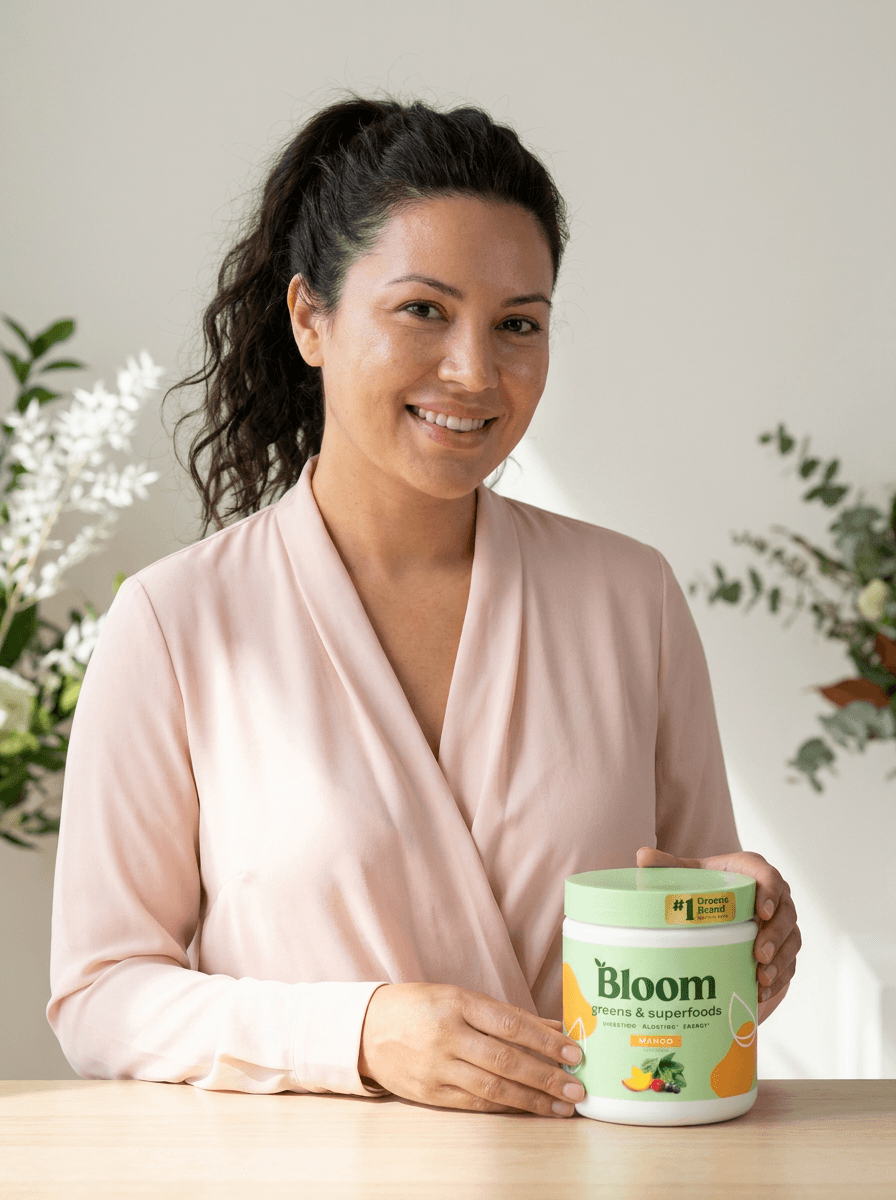
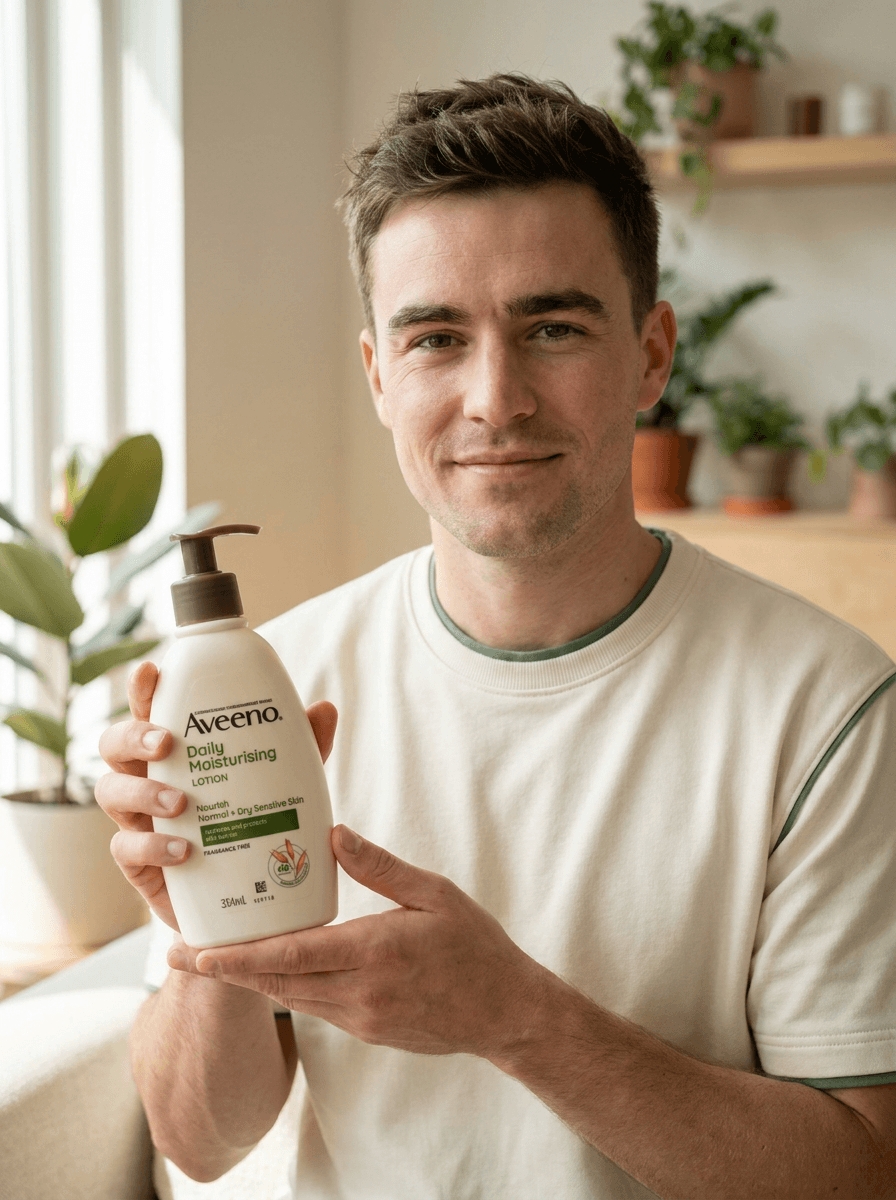
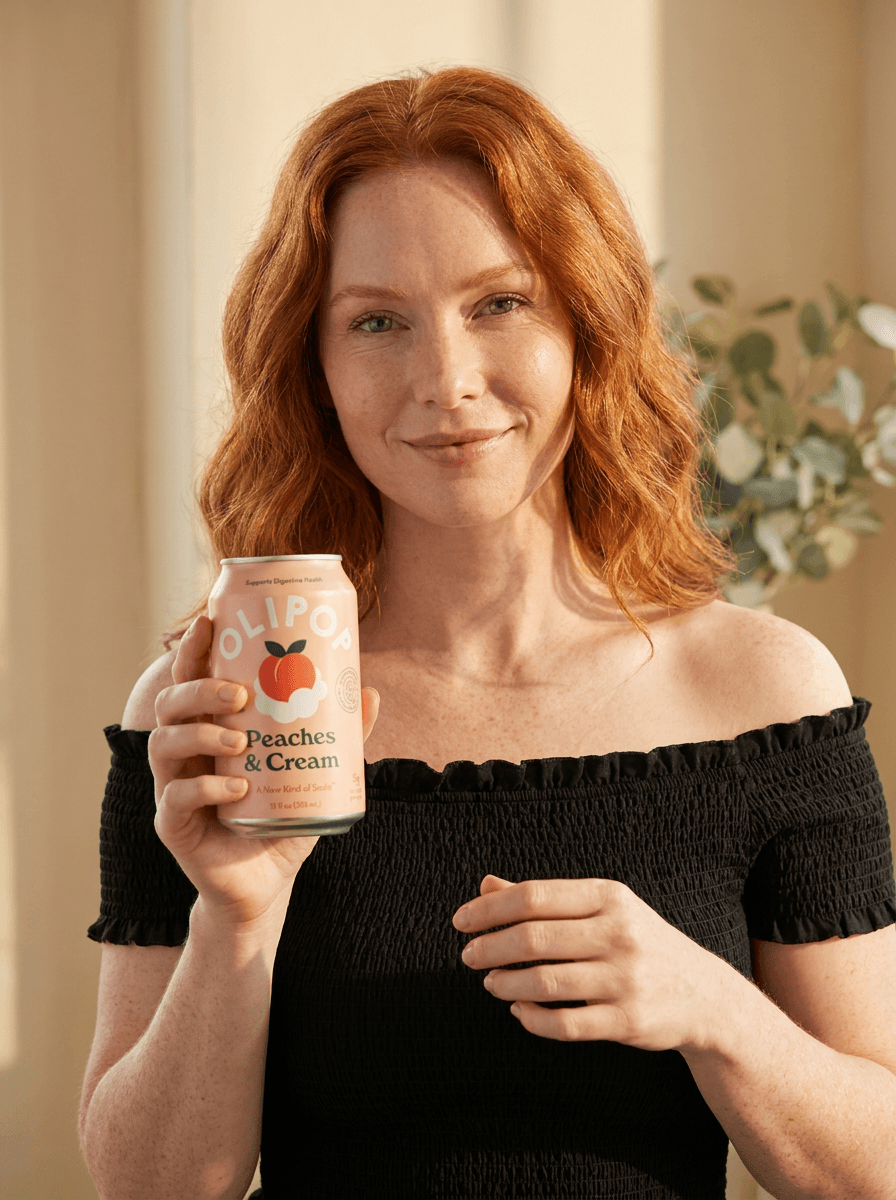
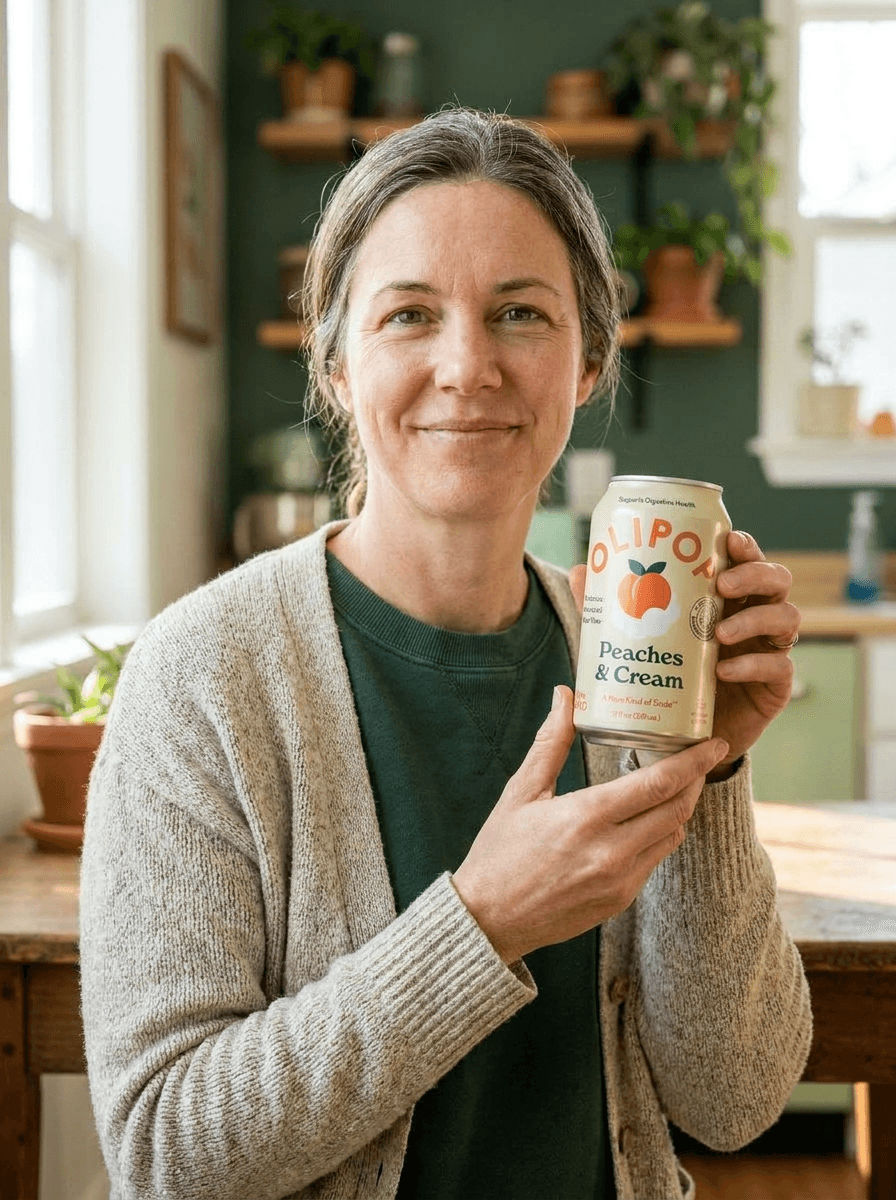
From one product photo

Model photos help shoppers imagine your product in real life, but traditional shoots are hard to repeat for every campaign you want to run.
Novabrand turns the product photos you already have into model-led creative so that you can test more angles, audiences, and ad concepts without rebuilding the shoot from scratch.
Product photos without people are hard to scale
Studio shoots take coordination, budget, and time before you ever see a single frame.
Generic AI image tools can build a pretty scene but distort the product you are selling.
Apparel-only model tools are too narrow once your catalog moves beyond clothing.
And paid social keeps asking for fresh creative faster than any photographer can deliver it.
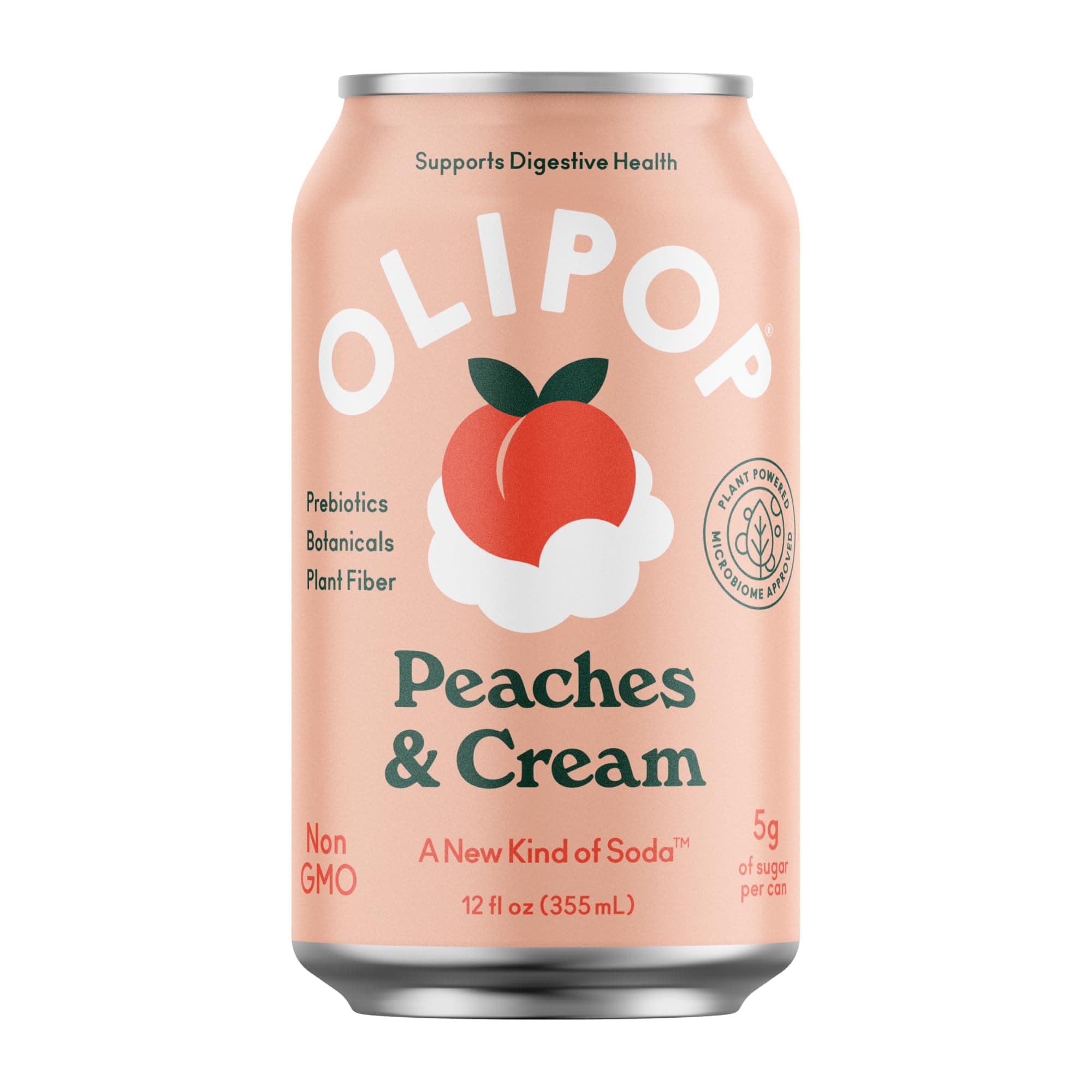
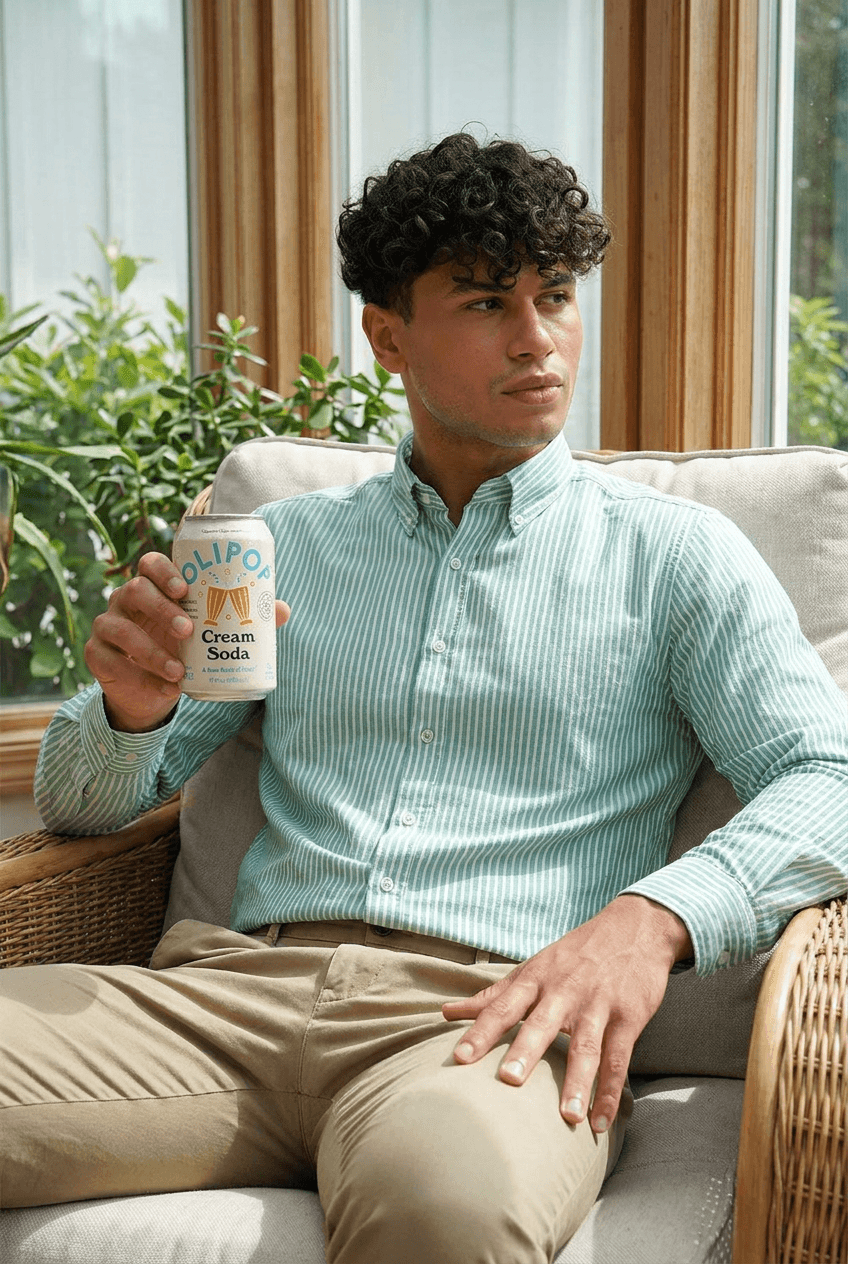
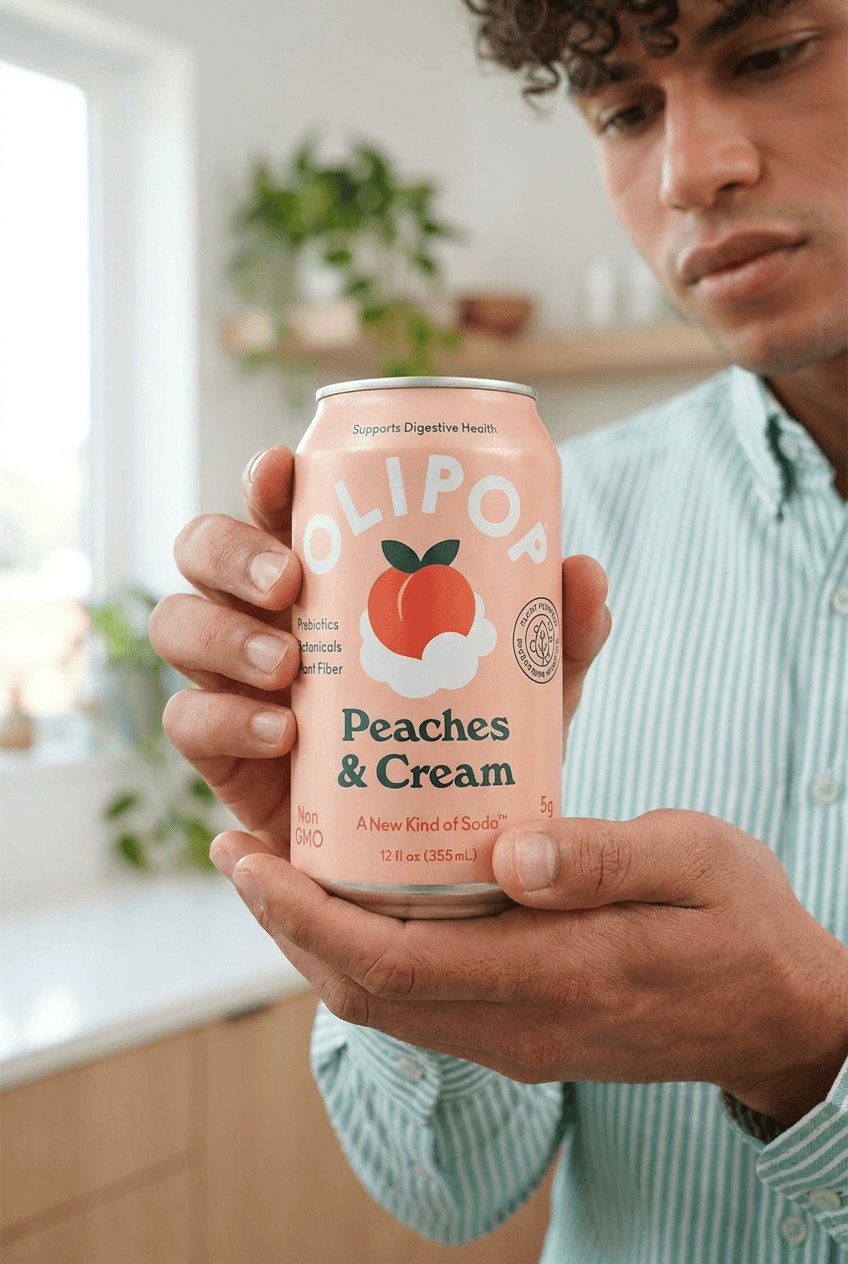
One product photo becomes a set of model-led images you can run as ads, drop onto a product page, or post to social.
How the AI model photoshoot works
5 steps take you from a product image to model-led creative you can use right away.
Upload a product image.
Start with the product photo you already have. No prompt writing and no creative brief required.
Choose or create an AI muse.
Pick a saved model, generate a new AI muse, or upload a model reference you have permission to use.
Pick a scene, pose, or campaign style.
Set the look you want, from a clean studio shot to a lifestyle scene that fits your brand.
Generate model-led product images.
Novabrand builds the model and scene while keeping the product intact.
Save the best for ads and product pages.
Keep the strongest outputs and reuse them across product pages, paid social, and campaigns.
Create your own photorealistic AI models
If you don’t have a model on hand, you can generate one.
AI Muse creates a brand-new photorealistic AI model that joins your cast so you can reuse the same face across every product shoot.
You get a consistent look for your brand without hiring talent or clearing likeness rights. Every model is generated brand-safe by default.
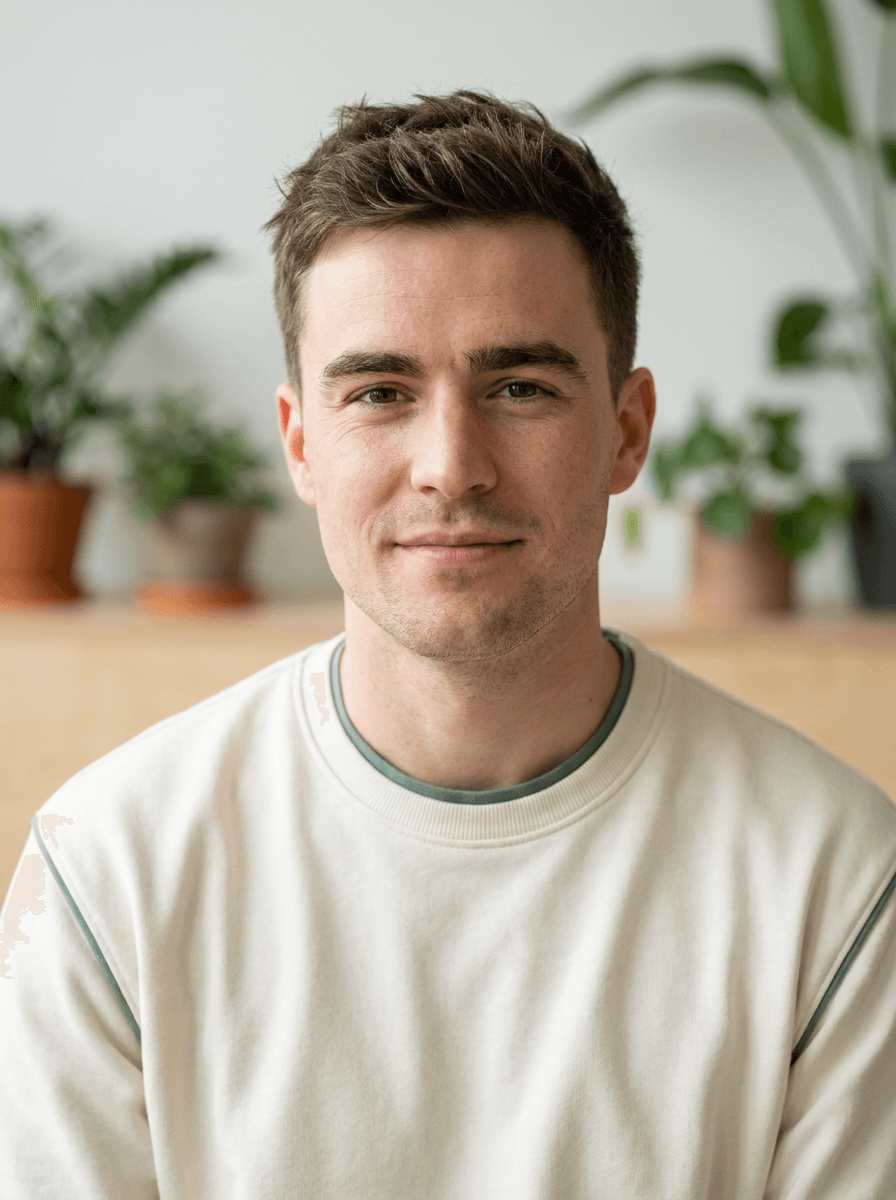
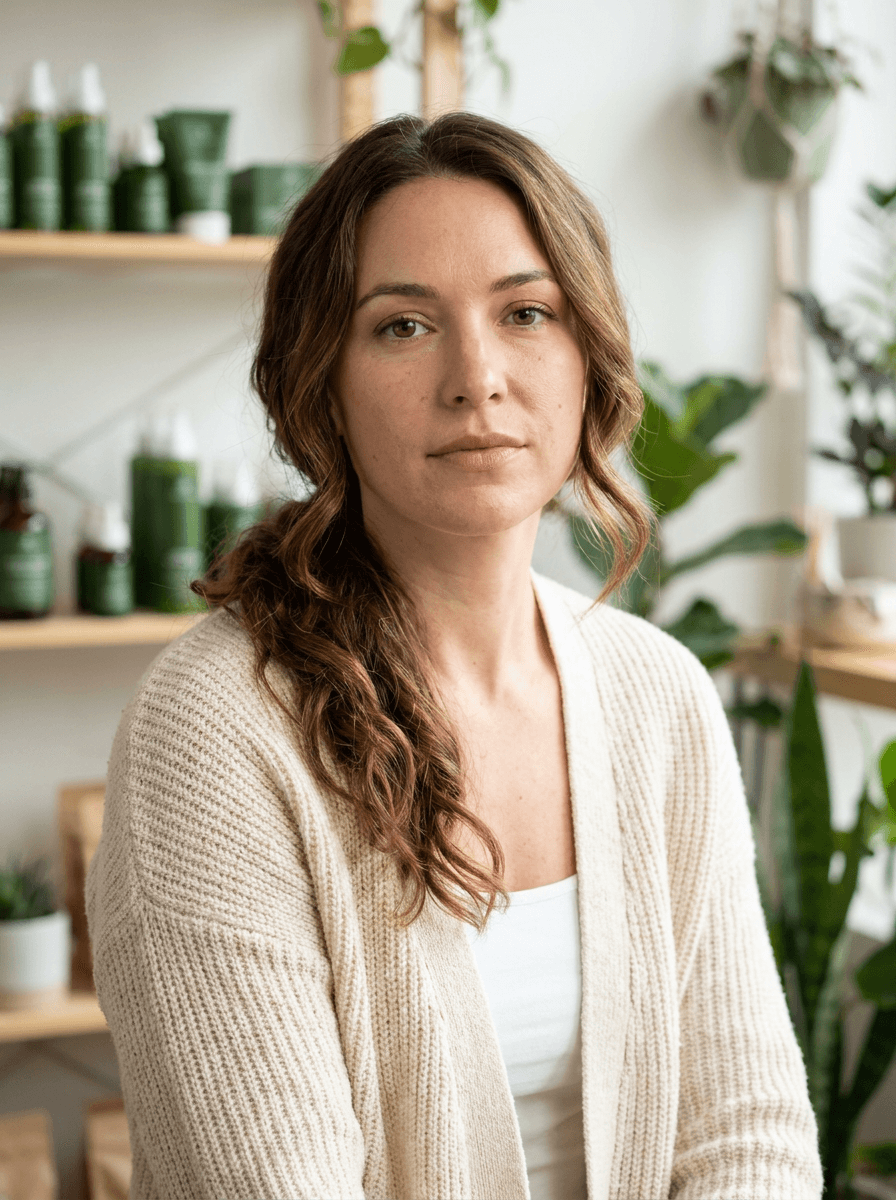
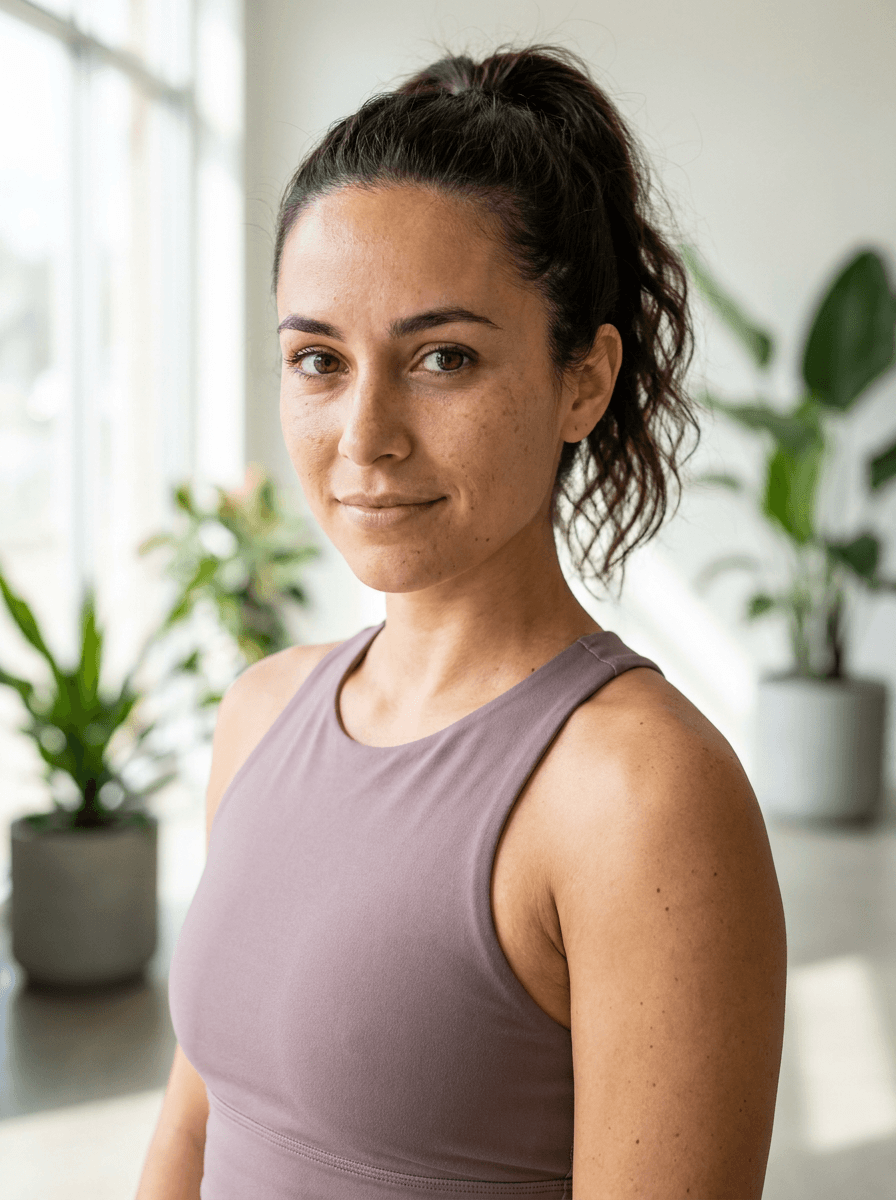
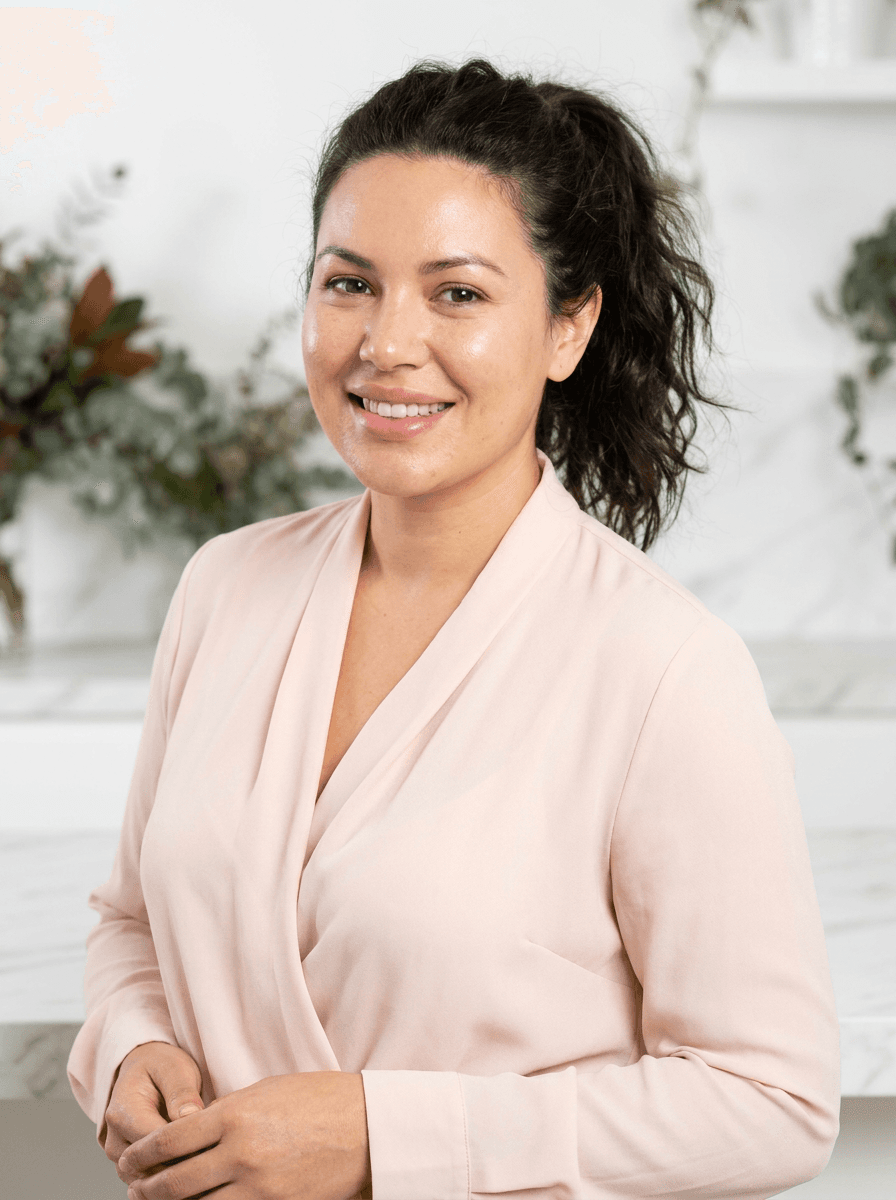
Every face here was generated by AI Muse. None are real people.
Built for model-led product creative
Every feature is designed around the way ecommerce teams actually create and reuse model shots.
AI muse generation
Create a brand-new photorealistic model for your brand when you do not have one on hand. Every muse is generated brand-safe, so you skip casting and likeness rights.
Saved model slots
Keep your best models as reusable profiles and bring the same face back for every shoot. Consistent casting is what makes your brand recognizable across campaigns.
Product preservation
Your product stays the hero of every shot. Novabrand holds onto the logo, packaging, color, and shape while it builds the model and scene around it.
Campaign variations
Generate multiple poses, backgrounds, and concepts from a single product image, so you always have fresh creative to test in your ads.
Ecommerce workflow
Move from product image to ad-ready creative without leaving Novabrand, then send the results straight to your product pages and paid social.
How AI model shoots compare to the alternatives
Novabrand sits between a full studio shoot and a generic image generator. You get model-led creative that keeps the product accurate, without the cost and lead time of booking talent.
Already running paid social? Pair it with our AI ad creative generator to turn these shots into ecommerce ad creatives.
Built for real products, not AI guesswork
AI model imagery only works for ecommerce when the product stays accurate, so Novabrand treats the product as the part that matters most.
Upload a clear source image and the logo, packaging, color, and shape carry through while the model and scene are built around it.
Use AI muses for original model-led creative, or upload model references when you have permission to use them.
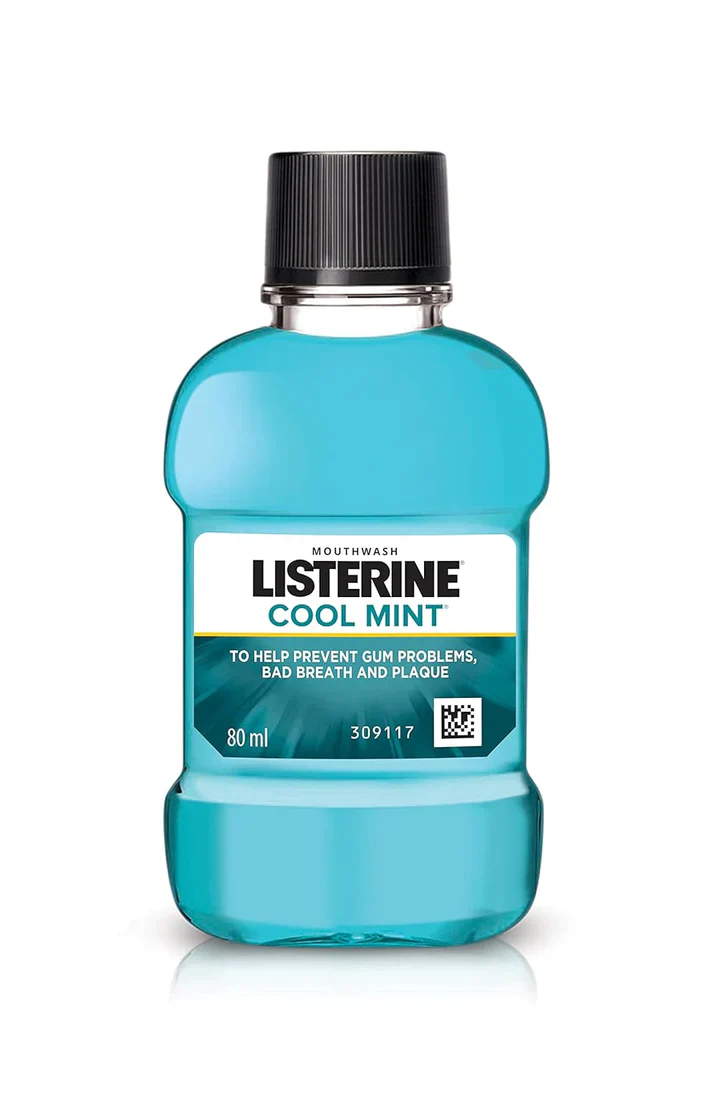
Product details intact
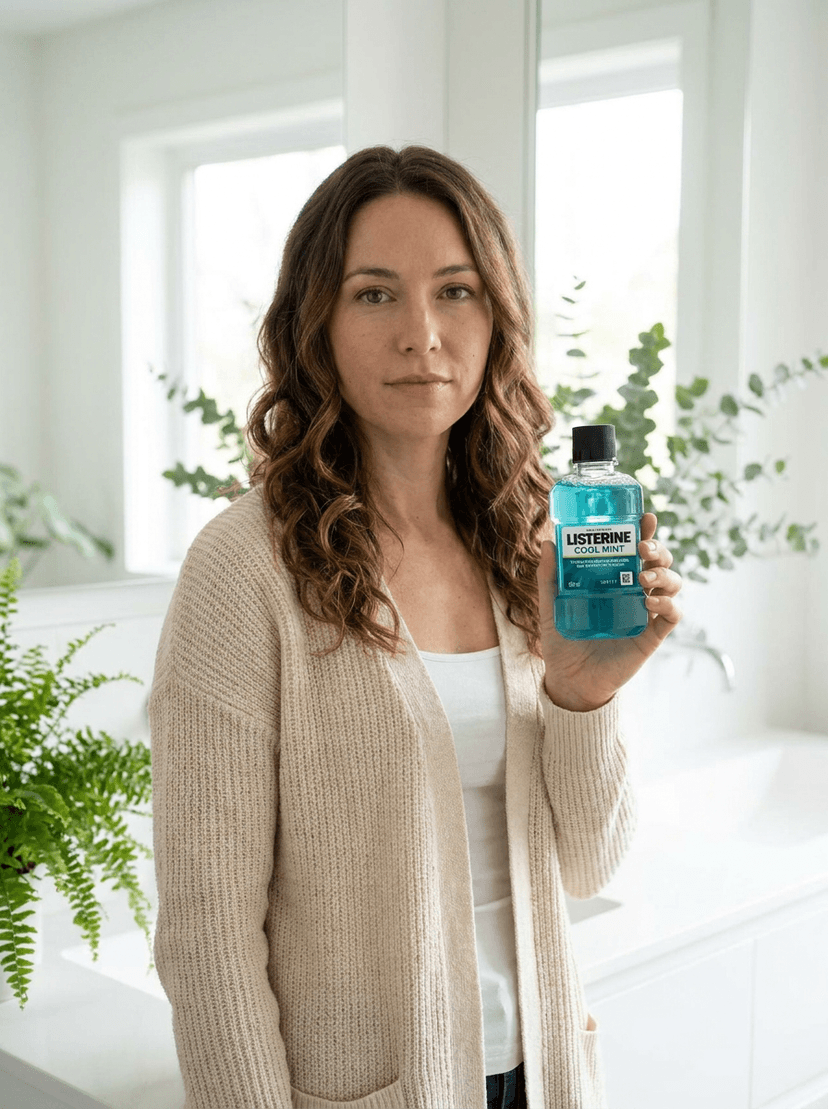
Same product, new scene
Common questions
What ecommerce teams ask before their first model shoot.
An AI model photoshoot generator turns a plain product image into model-led photos without booking a studio. You upload your product, pick an AI muse or upload a model reference, and Novabrand generates polished images for your product pages, ads, and social. It is built for ecommerce creative, so your product stays the focus of every shot.
Yes, and that is the core of Novabrand model shoots. Start from a product photo, choose a model, and generate images that show your product in a real scene with a person. You can create several looks from the same source image and reuse the strongest ones across your campaigns.
It covers that use case and more. An AI fashion model generator is usually built only for apparel catalogs, while Novabrand works across beauty, jewelry, wellness, accessories, and other ecommerce categories. If you do sell apparel, you can still use it for on-model fashion photos.
Product realism is the priority. Novabrand is designed to keep your logo, packaging, color, and shape recognizable while it builds the scene and model around the product. The clearer your source image, the more accurately those details carry through, so upload a sharp product photo for the best result.
Yes. Save a model once and it becomes a reusable brand asset, so you can keep a consistent face across every campaign. Saved model slots hold your AI muses and make it easy to build a recognizable look for your brand over time.
You can, as long as you have permission to use that person’s likeness. If you do not have a model on hand, you can generate an original AI muse instead. AI muses are made to be brand-safe, so you get model-led creative without clearing likeness rights.
Create your next model shoot from a product photo
Upload a product image, choose an AI muse, and generate model-led photos for your ads, product pages, and social campaigns in minutes.
Need clean product shots first? Try product photo editing or browse our product photography ideas generator.