Product photo editing that ends in ad creatives
Most product photo editors stop at background removal.
NovaBrand turns one upload into every asset your store and ad account need.
Hero shots. Lifestyle scenes. Ad creatives in every aspect ratio.
Free edit · No card required
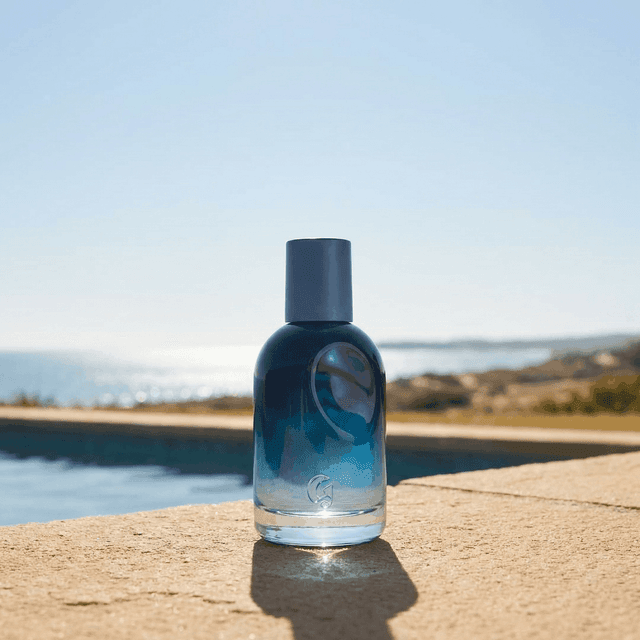
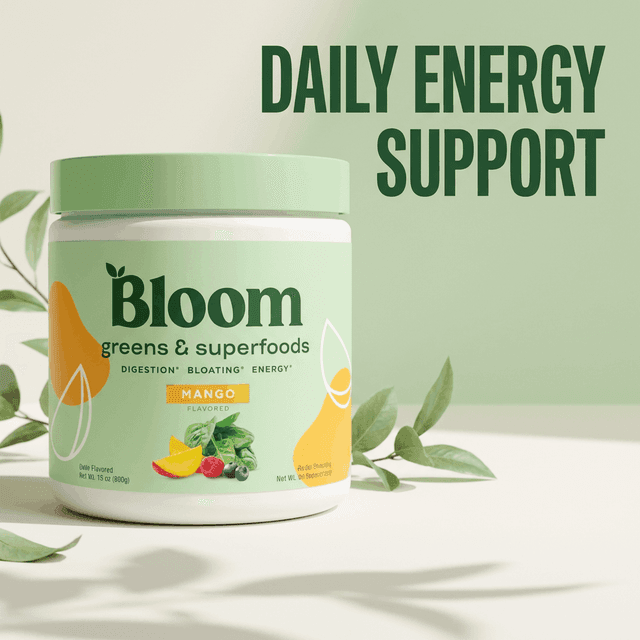
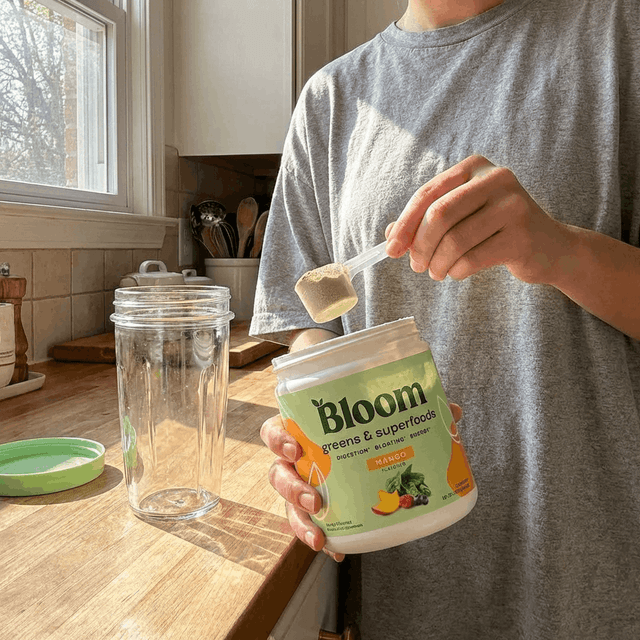
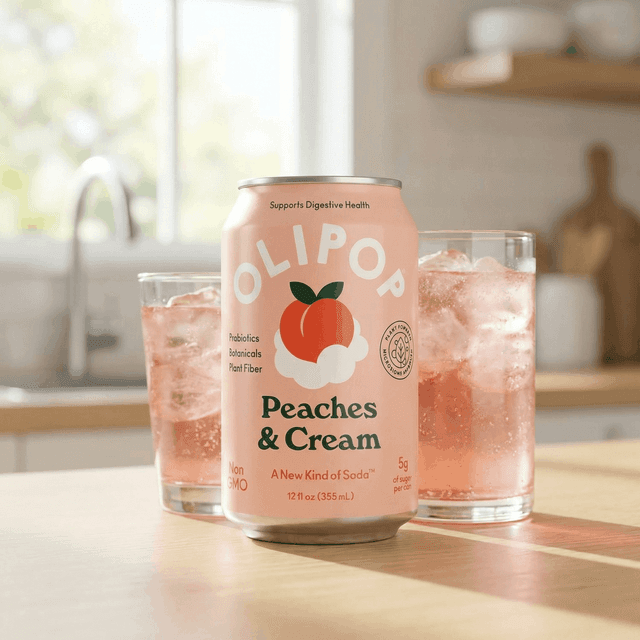
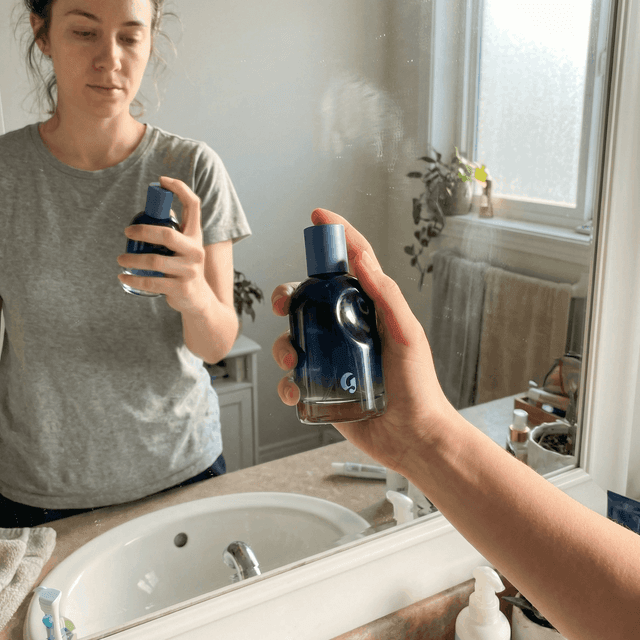
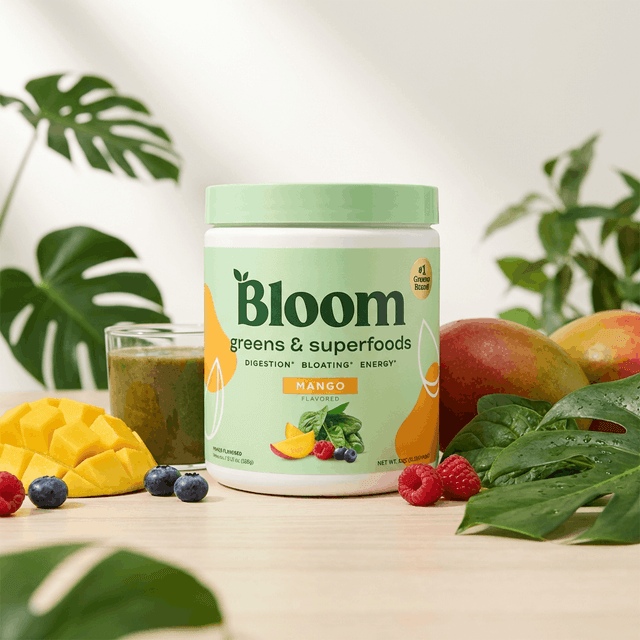
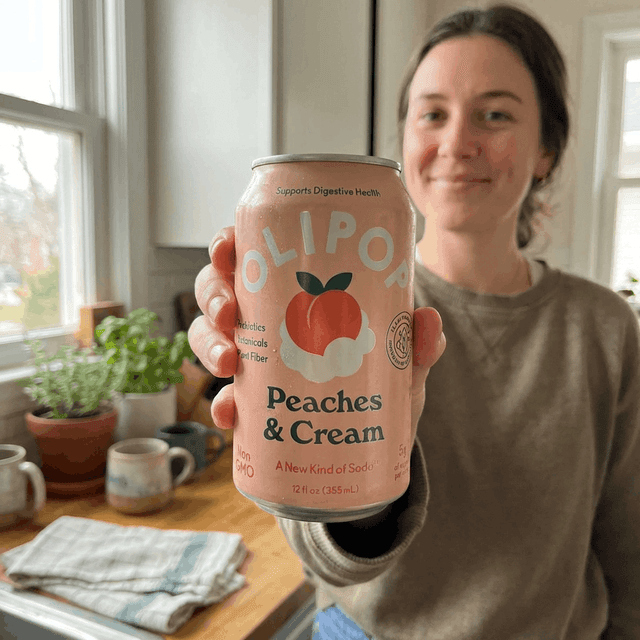

Most product photo editors are stuck in 2022.
You upload a photo. They remove the background. They drop in a shadow. You download it. That is what they call editing.
Then you open Meta Ads Manager and need the same product in a lifestyle scene. A different aspect ratio. A UGC angle for TikTok. A square for the PDP hero. A vertical for Stories.
So you go back and edit again. And again. And again. Every SKU. Every season. Every campaign.
That is not editing. That is busywork with extra steps.
The real job of product photo editing
The real job is not to clean one photo.
It is to turn one photo into assets that your store & ad account actually need.
PDP hero for the storefront. Lifestyle scene for context. UGC creative for social. Campaign creative for paid ads. All from the same upload.
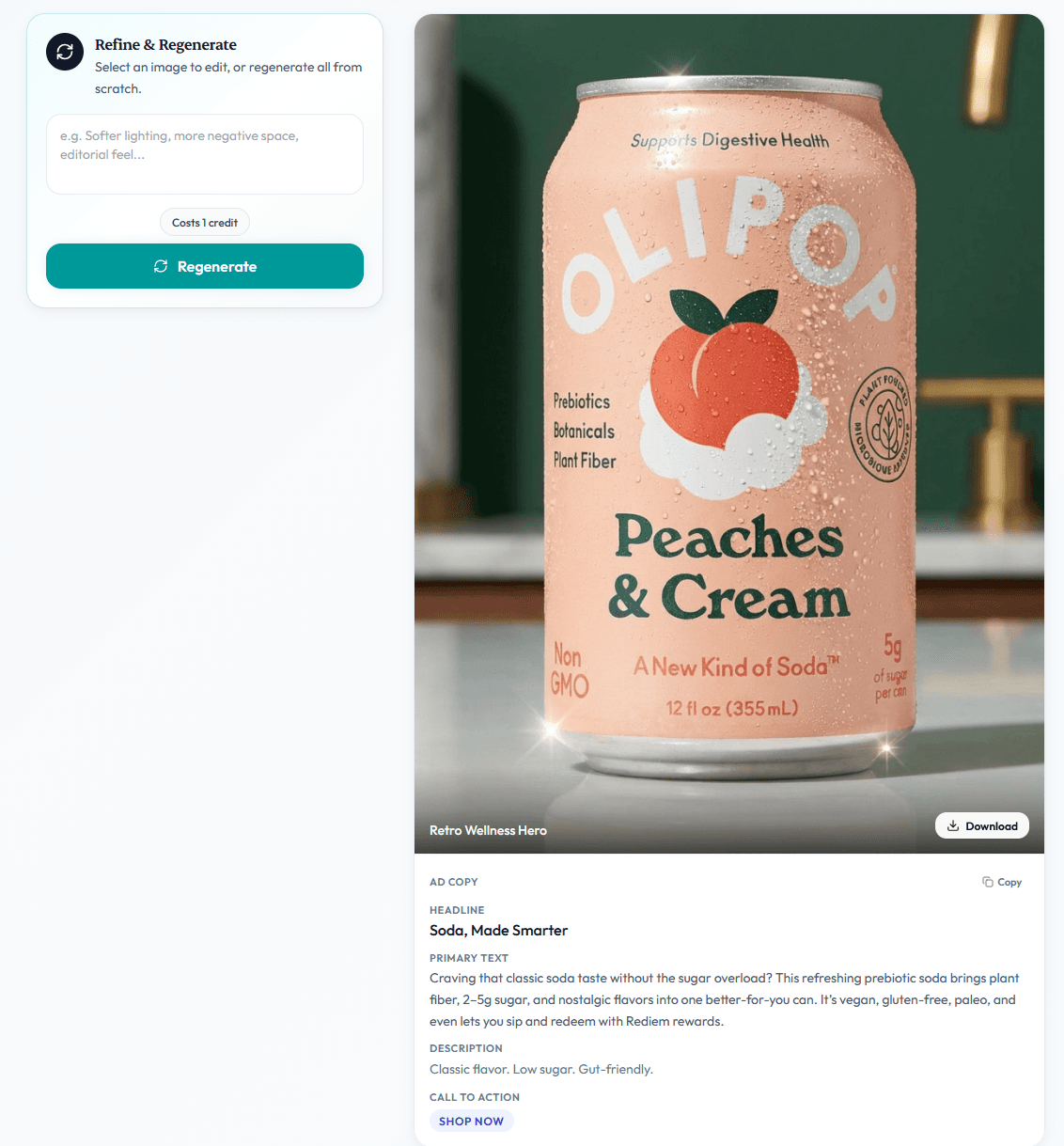
That is the job NovaBrand is built around. Every edit ends at ad-ready rather than listing-ready.

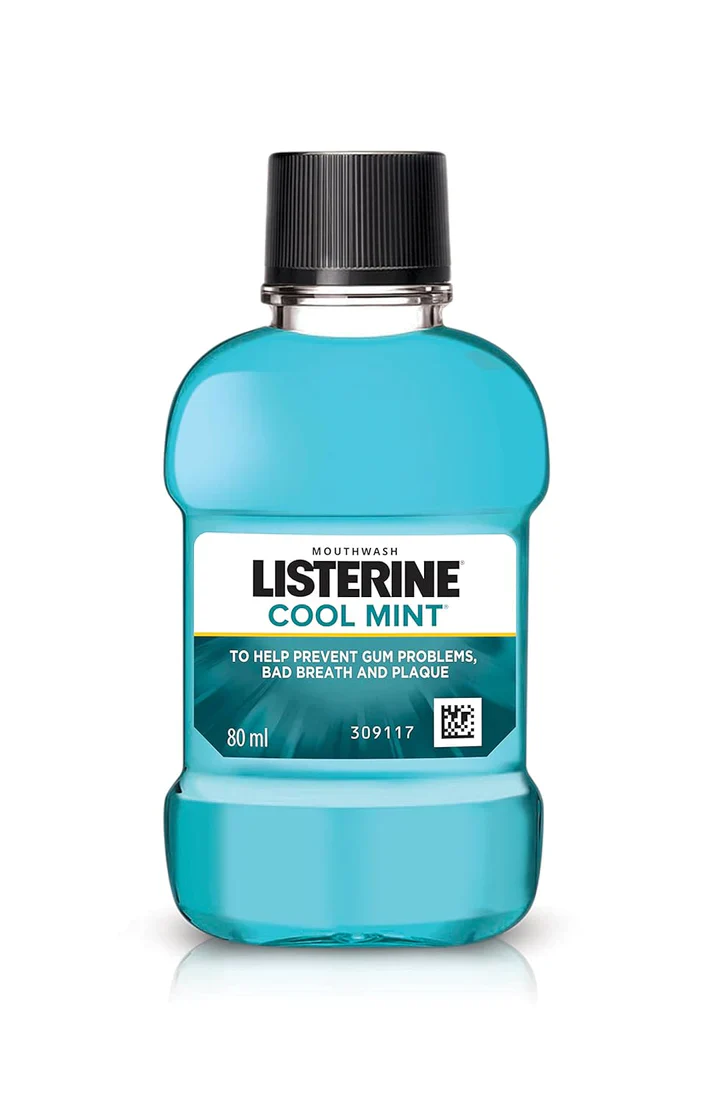
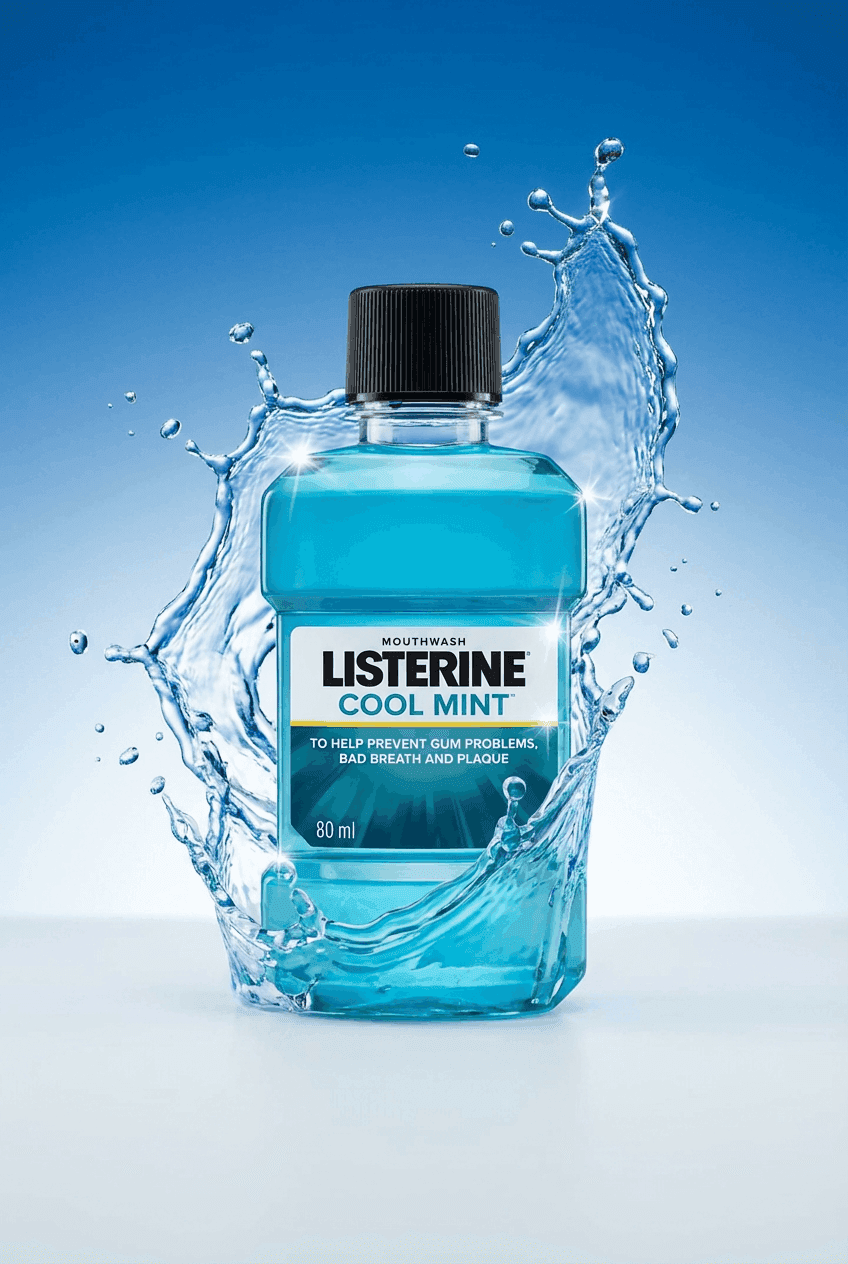
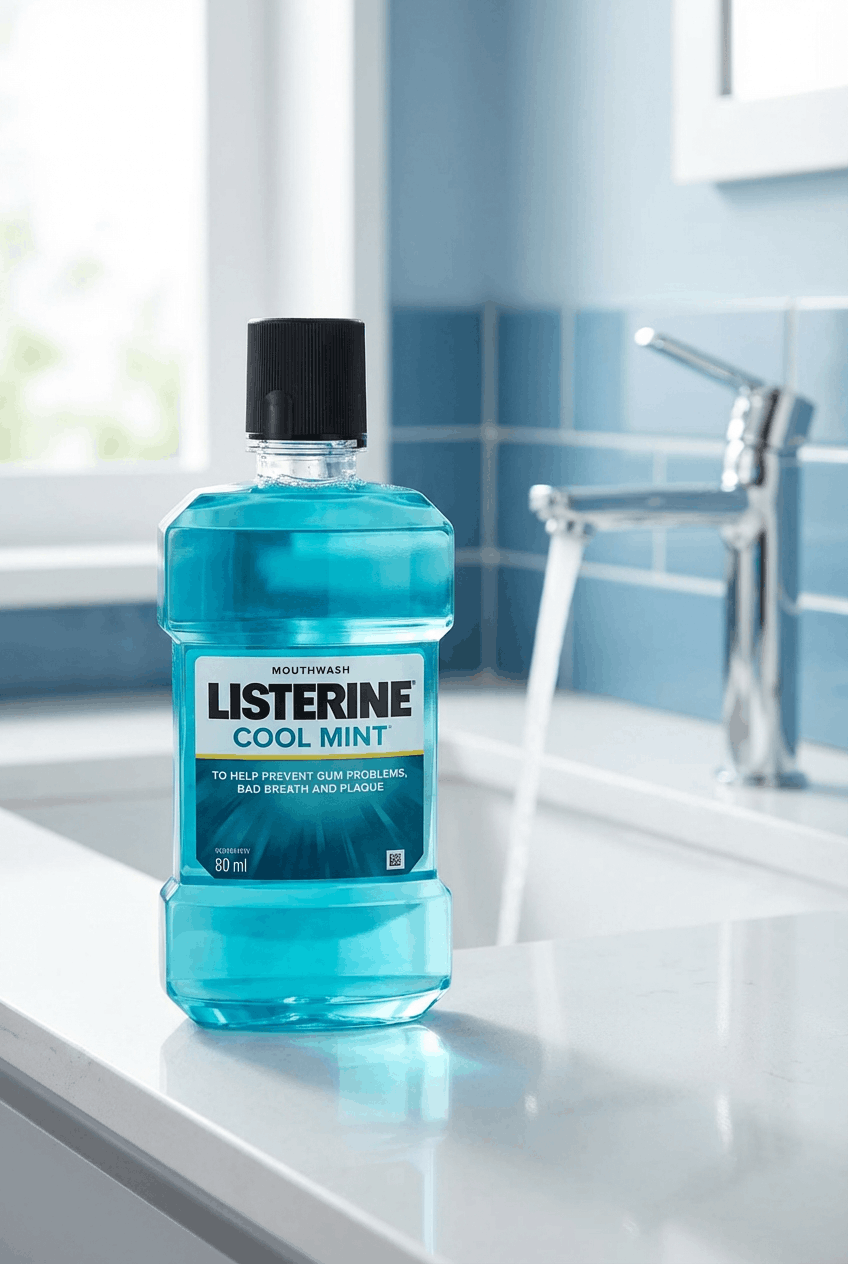
One product photo in. A PDP hero and a lifestyle edit out. The same brand style carries across both outputs and then across the next 50.
6 jobs real product photo editing has to do
A tool that only cleans backgrounds is a filter rather than software.
Real product photo editing handles a full shot list from one upload. The list below is what every edit pipeline should deliver.
Hero shots for product pages.
Clean and sharp edits that hold up on a storefront or a marketplace listing.
Lighting stays consistent across every SKU you ship and every color variant you launch.
Lifestyle scenes from a single upload.
The AI places your product inside kitchens and bathrooms and beaches and living rooms.
Every label and texture is preserved while the scene is generated around it.
UGC-style ad creatives.
Feed-native edits that look hand-held rather than produced.
These are the shots that convert on Meta and TikTok because they don’t look edited.
Seasonal and campaign variants.
Holiday palettes and sale overlays and seasonal backdrops without booking a new shoot.
Same product restyled for the exact moment you’re running ads.
Brand memory across every edit.
Save your palette and typography and product style once.
Every future edit follows the same brand profile automatically without re-briefing.
Every aspect ratio in one export.
1:1 and 4:5 and 9:16 and 16:9 and 4:3 rendered in a single pass.
Ad-ready for Meta and TikTok and Pinterest and Google Shopping from the same upload.
How product photo editing works in NovaBrand
Most editors process first and hope the output fits your brand.
NovaBrand researches your niche and your product thoroughly. It remembers your style. Then it edits with purpose.
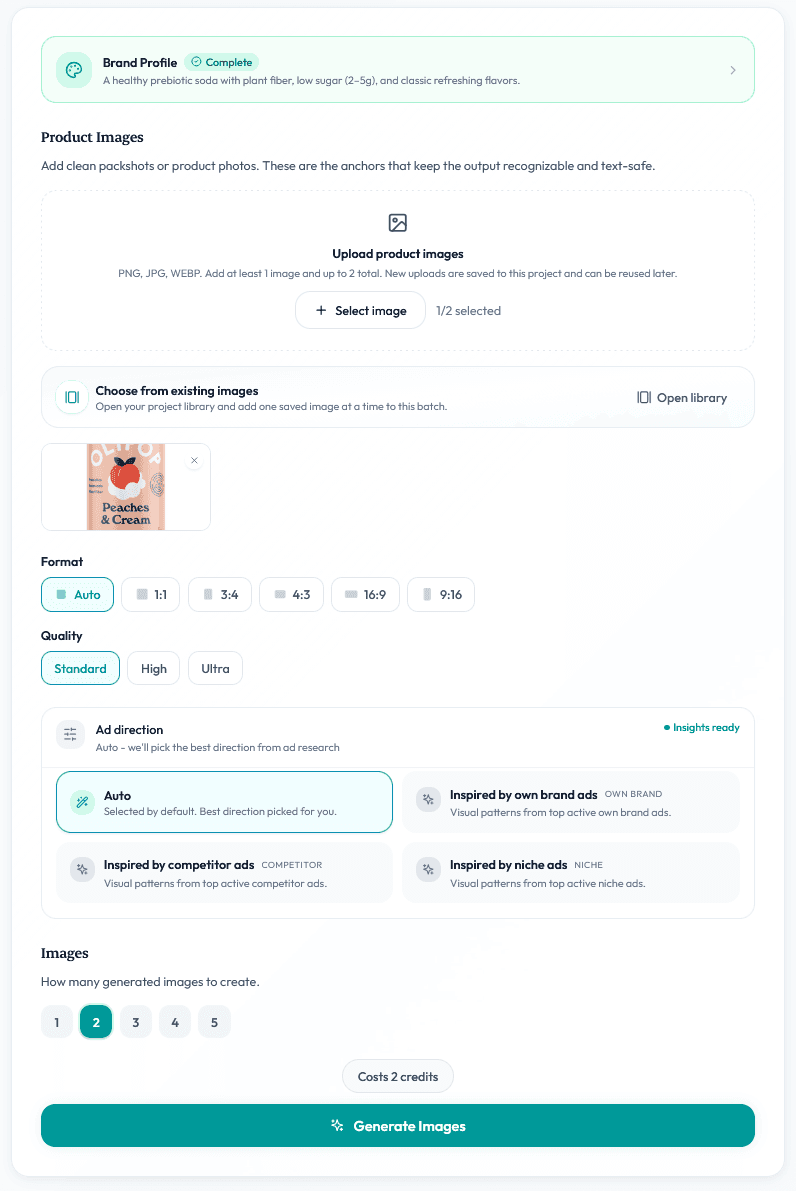
Upload your product photo.
Drop a plain product shot into NovaBrand. No brief. No prompts. The AI preserves every label & texture.
Apply your brand profile and research your niche.
NovaBrand pulls what is already working in your category and pairs it with your saved brand profile. It picks scene styles that fit.
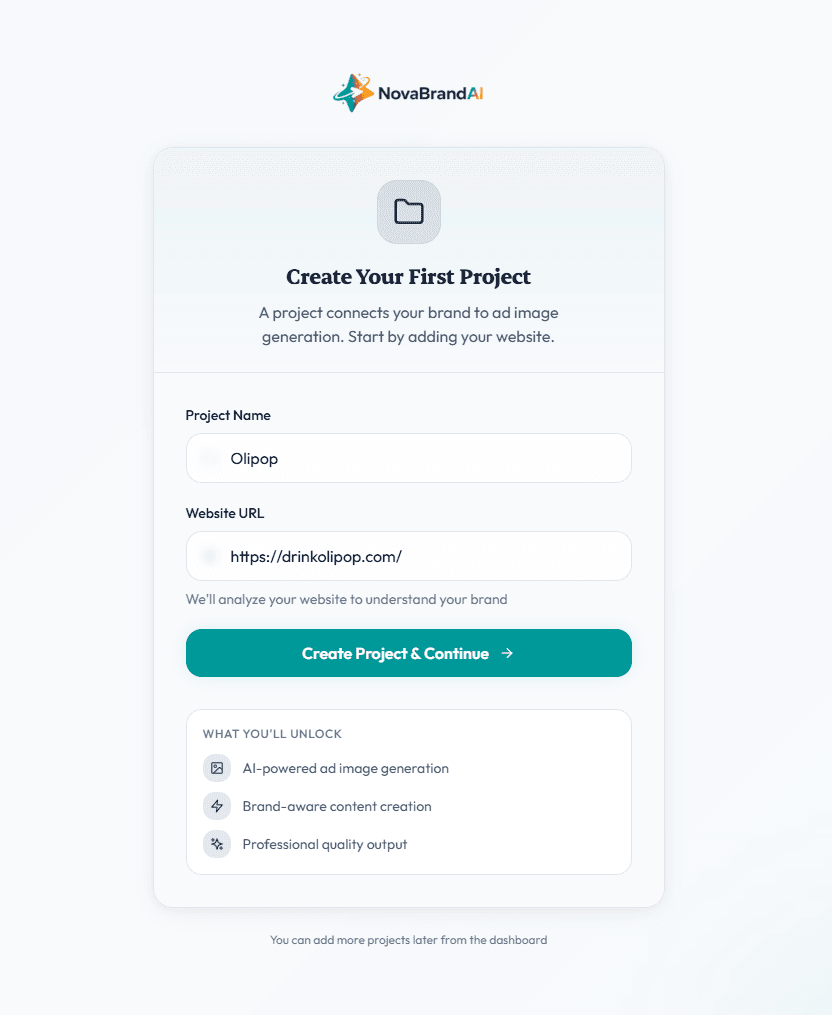
Pick a quality tier and export for every platform.
Standard is built for ad testing. High is built for PDP and marketplace listings. Ultra is built for campaign heroes.
NovaBrand vs the other product photo editors
Every tool in this space does something well. The table below is the honest version and shows where each tool wins and where each tool falls short.
“Will my product still look like my product after editing?”
A lot of AI photo editing does morph the product. Labels go fuzzy. Textures wobble. A bottle cap becomes a different bottle cap.
That happens when the editor generates the scene first and composites the product second.
NovaBrand does the opposite.
The AI reads the product first. It preserves every label & texture. Only then does it generate the scene around the product.
If a customer unboxes the product and it does not match the photo then every other conversion metric breaks.
That is why product preservation is the first line of our edit pipeline rather than an afterthought.
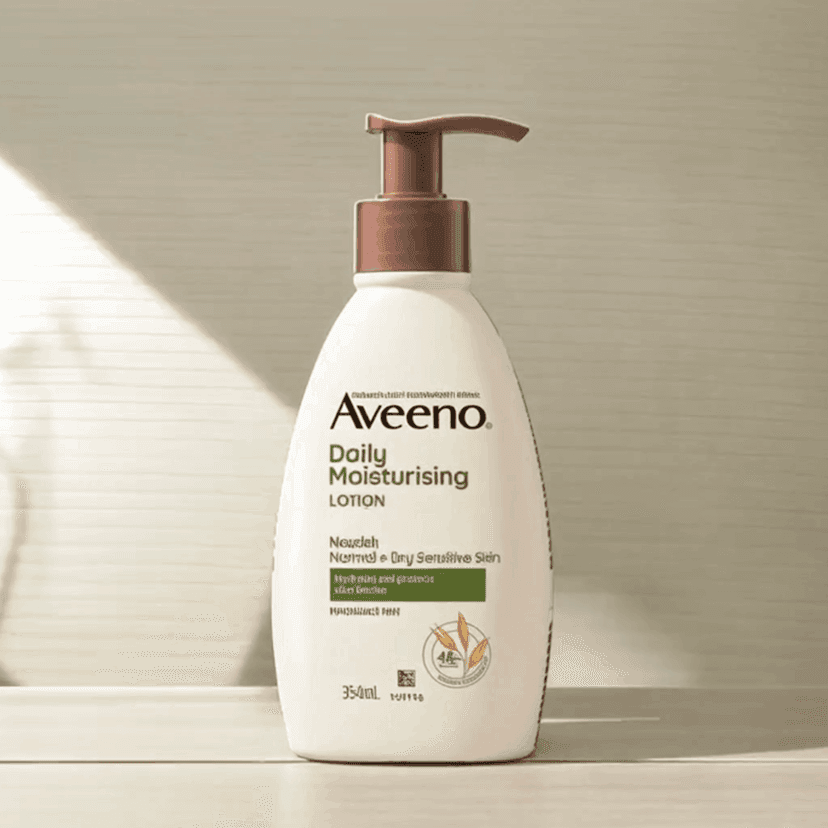
Product morphs and shadows misalign
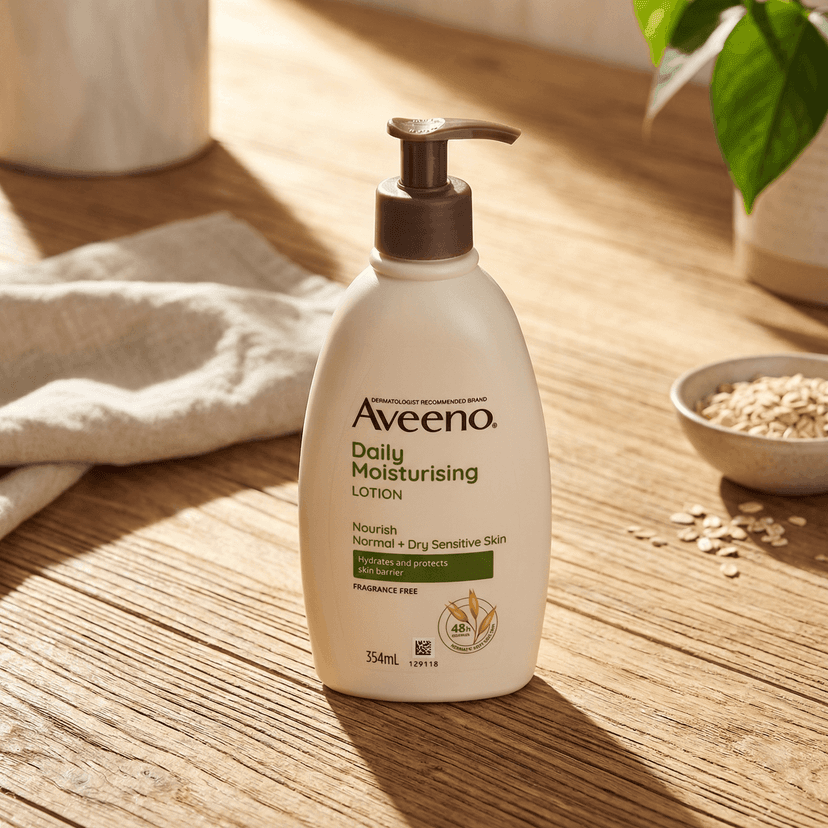
Product preserved and niche-tailored
The real cost of product photo editing
A professional retoucher charges $8 to $40 per edit. A 50-SKU shoot runs between $4,000 and $10,000. Here is what each path actually costs today.
Professional retoucher
Between $8 and $40 per edit with 24 to 72 hour turnaround. Every seasonal refresh is another invoice and another waiting list.
In-house photo shoot
A 50-SKU shoot runs $4,000 to $10,000 with a two-week turnaround on a good week. Lifestyle variants need their own shoot day.
Generic AI photo enhancer
Free to $20/mo. Great for background removal. Falls apart the moment you need a lifestyle scene or brand consistency across 50 SKUs.
NovaBrand
From free. PDP hero and lifestyle and UGC and campaign creatives from a single product photo. Reusable brand profile and ad-ratio exports included.
Who this is built for
D2C Shopify brands
Brands pushing new SKUs every week and testing ad creative constantly. The brand-memory and ad-ratio matrix was built around this workflow.
Amazon and marketplace sellers
Sellers who need listing-compliant hero shots plus lifestyle B-roll without running a photo shoot every time inventory refreshes.
Fashion and beauty brands
Brands where visual consistency across a catalog is the whole game. Editing 300 items to one visual standard is exactly what brand profile solves.
Dropshippers and pre-launch brands
Brands with no inventory access and no budget for a studio. One supplier photo becomes a full catalog of assets.
Try product photo editing built around ad-ready output
Free to start with 10 images and no credit card required.
Common questions
The questions brand owners ask before they switch editors.
Generic AI tools produce the plasticky look because they edit without niche context or brand memory.
NovaBrand runs a research step before it edits and reapplies your brand style across every output. That keeps the result looking briefed by a creative director rather than prompted into a text box.
Yes. NovaBrand's pipeline reads the product first and preserves every label and texture before the scene is generated around it.
The scene changes. The product itself stays exactly as it ships.
Photoshop and Canva are general-purpose editors where you do the manual work.
NovaBrand is a product-photo-specific editor that does the work for you. For a Shopify brand shipping new SKUs weekly this saves hours of manual layout time every week.
No. Upload a product photo and pick a quality tier.
The brand profile and category research fill in what a prompt would normally say. Prompting is optional if you want to refine the final image in any small way
Upload one product photo
See what product photo editing looks like when it ends in ad-ready creatives instead of cleanup.