Product photo background generator for ecommerce brands
NovaBrand is a product photo background generator that also makes your ad creatives.
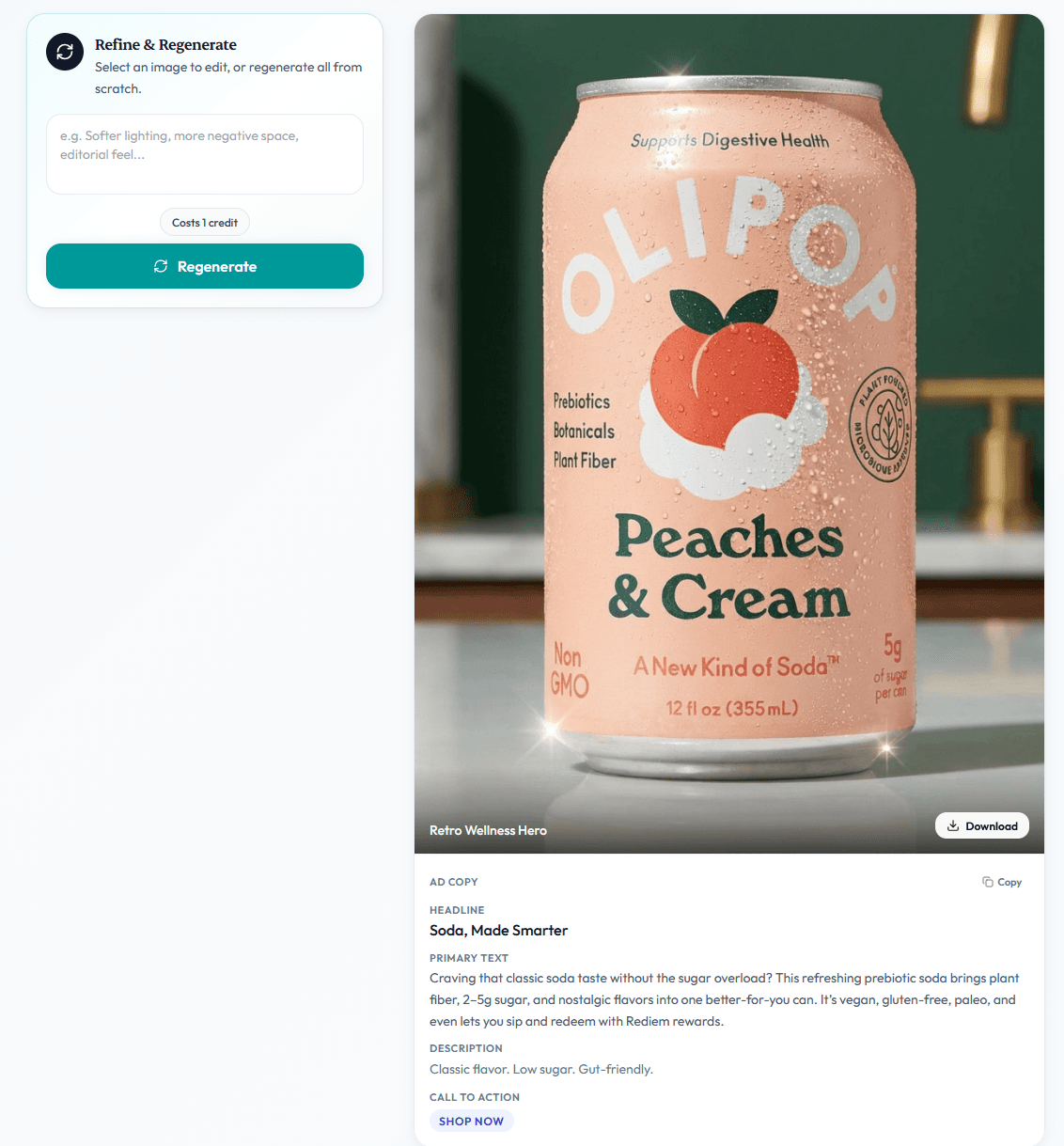
Upload one photo. It builds real scenes around your product with matching light and shadows.
Export store images and ad creatives in every size you need.
Free plan · No card required
Works in the app or inside Claude, ChatGPT, OpenClaw, and Hermes
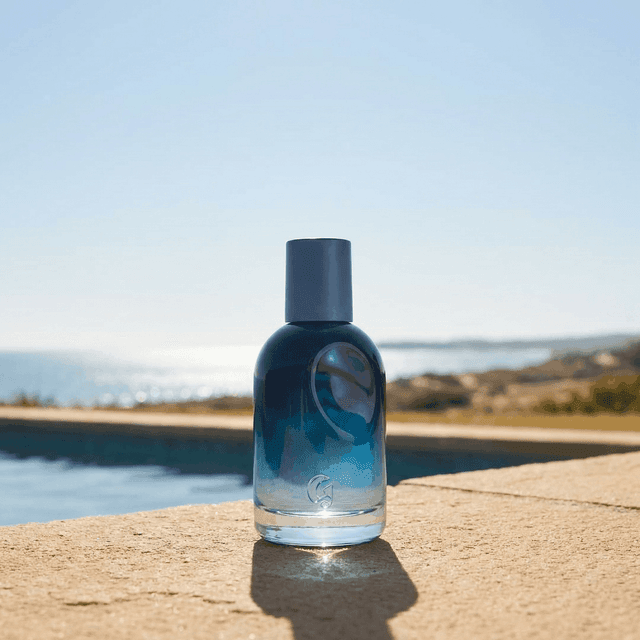
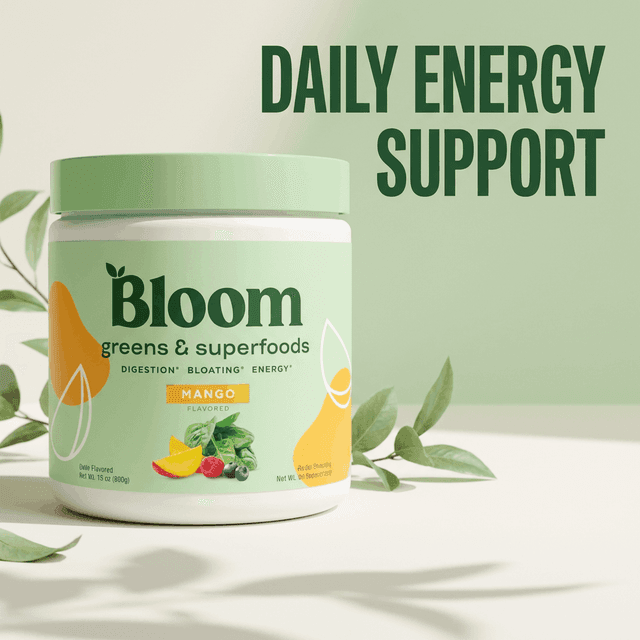
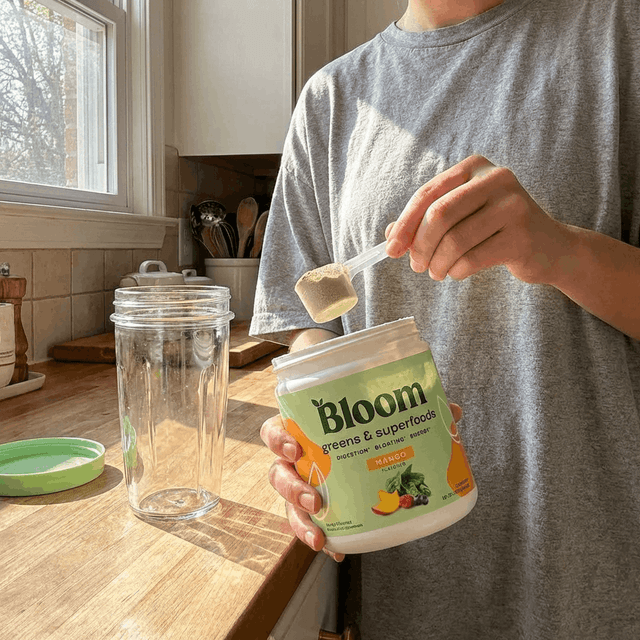
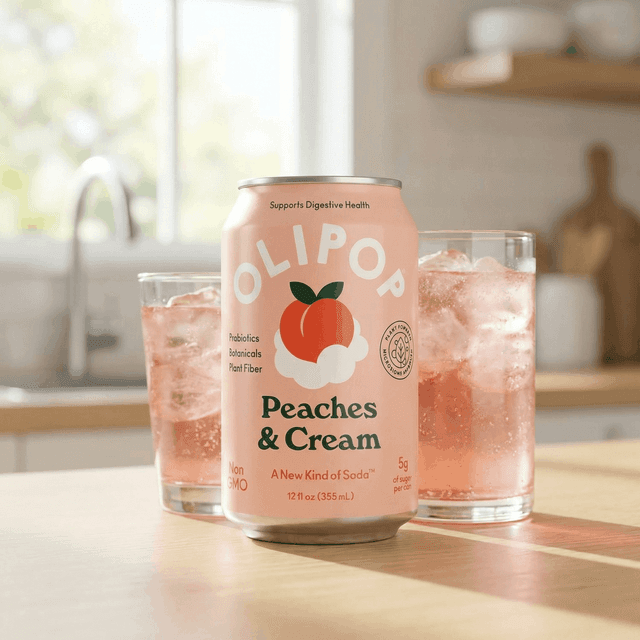
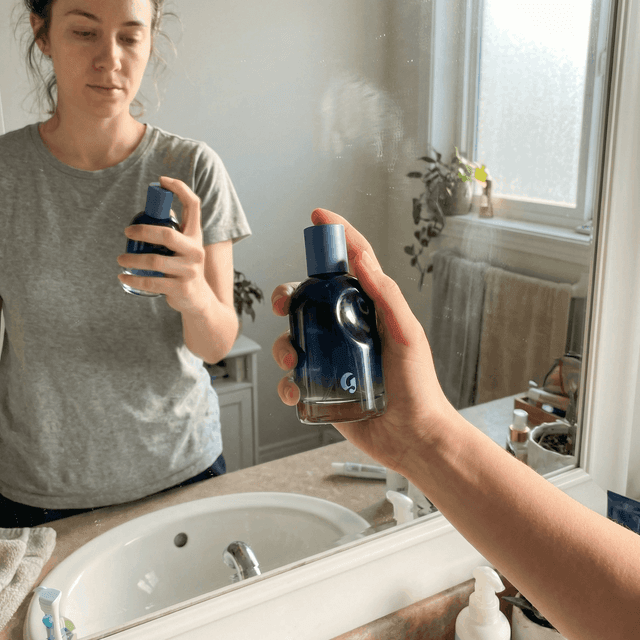
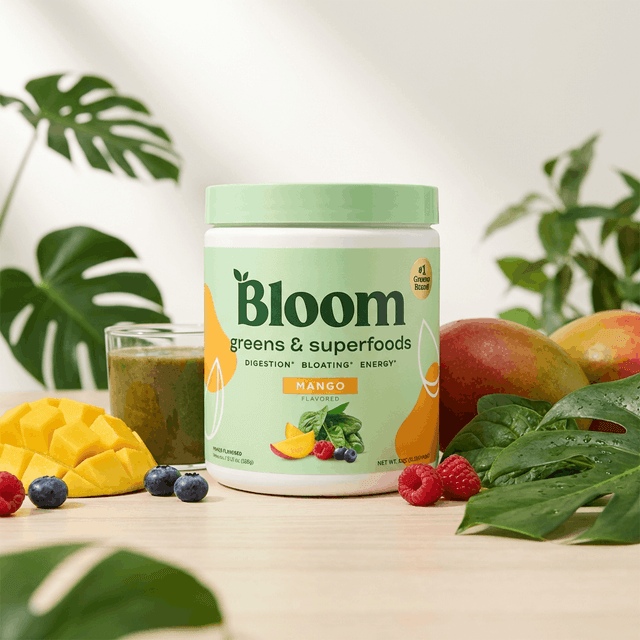
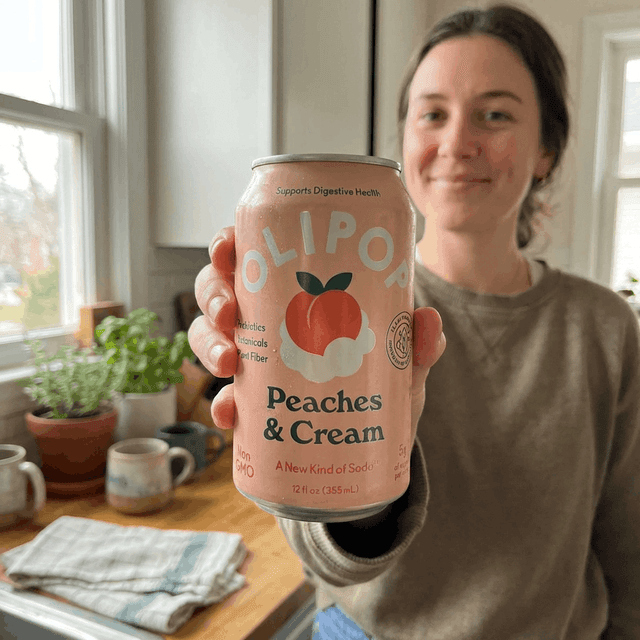

Every background generator on the internet can put your product on a marble countertop.
You upload a photo. You pick a template. You download the result.
The problem is what happens next. That image has to sell on a product page or in a Meta ad or on Amazon/Etsy listing.
A template was not made for your product or your niche or your brand. That is why so many AI backgrounds look pasted on.
What a background generator should actually do
A good background shows customers where your product fits in their life.
That means the right background depends on what you sell.
A skincare serum sells from a bathroom counter in morning light. A protein powder sells from a gym bench. A candle sells from a cozy shelf.
Novabrand checks what is already working in your niche and generates backgrounds to match. Then it keeps that same style across every product in your catalog.

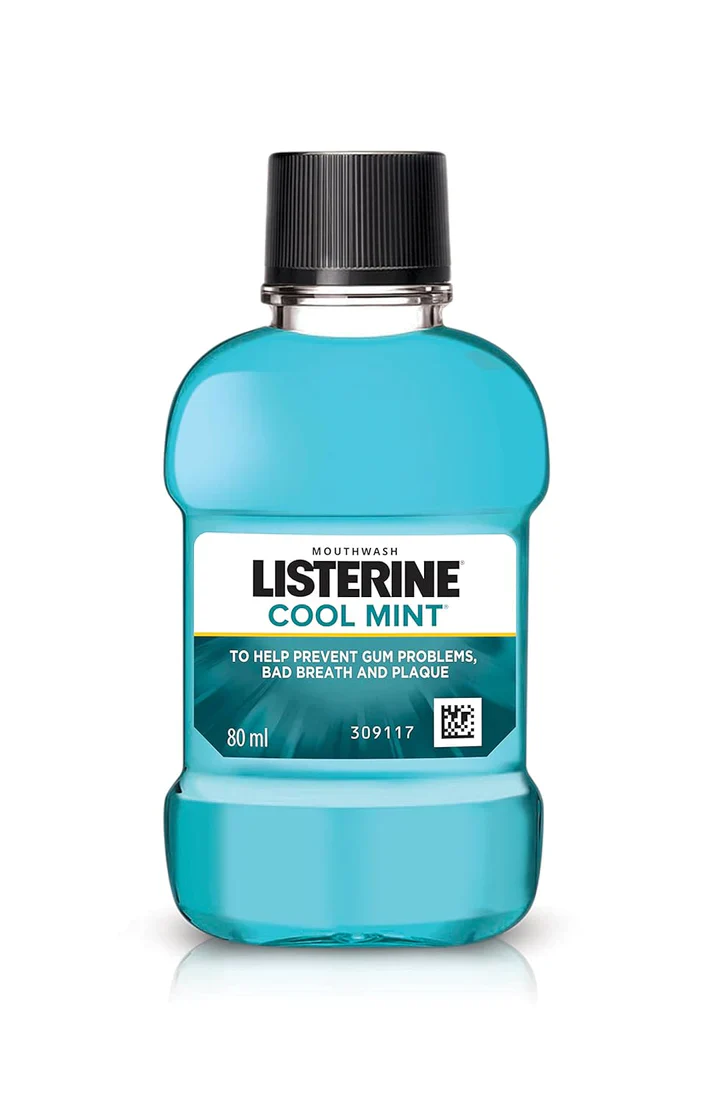
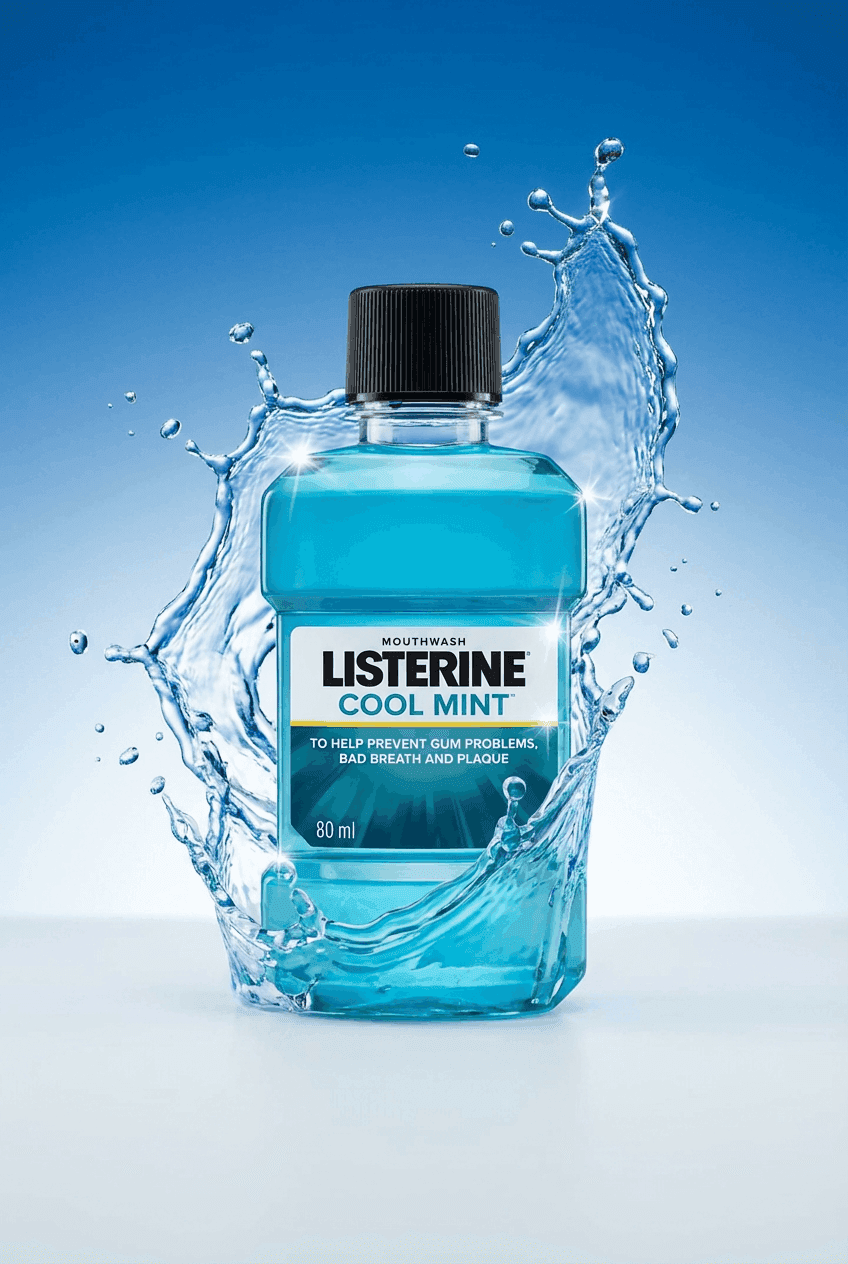
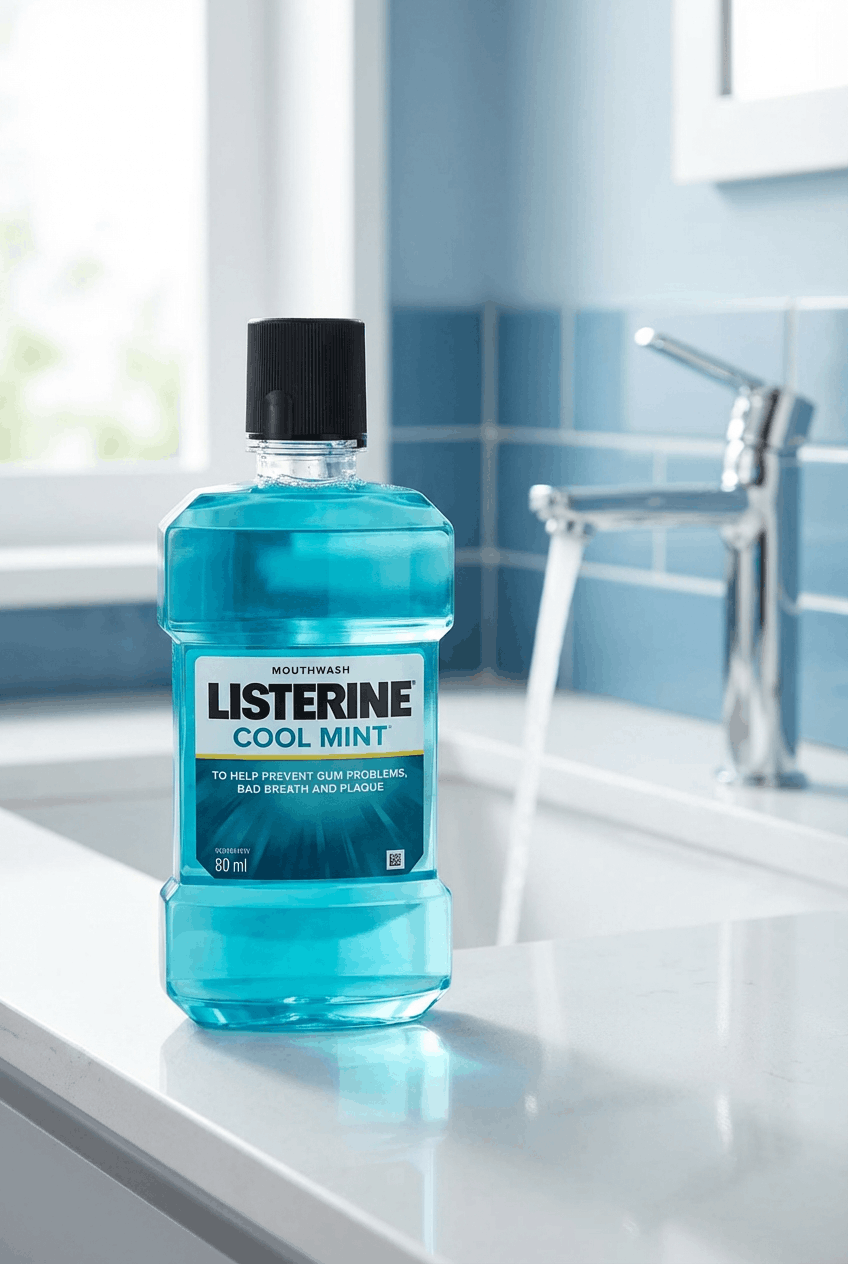
One product photo in. A studio background and a lifestyle background out. The same brand style carries across every product that follows.
It covers backgrounds every product photo needs
Most tools give you one new backdrop and stop.
Your store and your ads need more than that. Here is the full list NovaBrand covers from one upload.
Studio backdrops for Product Page Heroes.
Soft gradients and podiums and clean shadows for your product pages.
The background stays simple so your product stands out on every listing.
Lifestyle scenes that add context.
Kitchens, bathrooms, beaches and living rooms generated around your product.
Light and shadows match the scene so nothing looks pasted on.
UGC-style settings for social ads.
Backgrounds that look like a customer took the photo at home.
These convert on Meta and TikTok because they don’t look edited.
Seasonal and campaign backdrops.
Holiday looks and sale sets without booking a new shoot.
The same product restyled for whatever campaign you’re running.
One brand style across every background.
Save your colors and style once.
Every background after that follows your brand profile automatically.
Every aspect ratio in one export.
1:1 and 4:5 and 9:16 and 16:9 and 4:3 in a single pass.
Ready for Meta, TikTok, Pinterest and Google Shopping from the same upload.
How the product photo background generator works
Most tools generate first and hope the result fits your brand.
NovaBrand looks at your product and your niche first. Then it generates backgrounds that fit both.
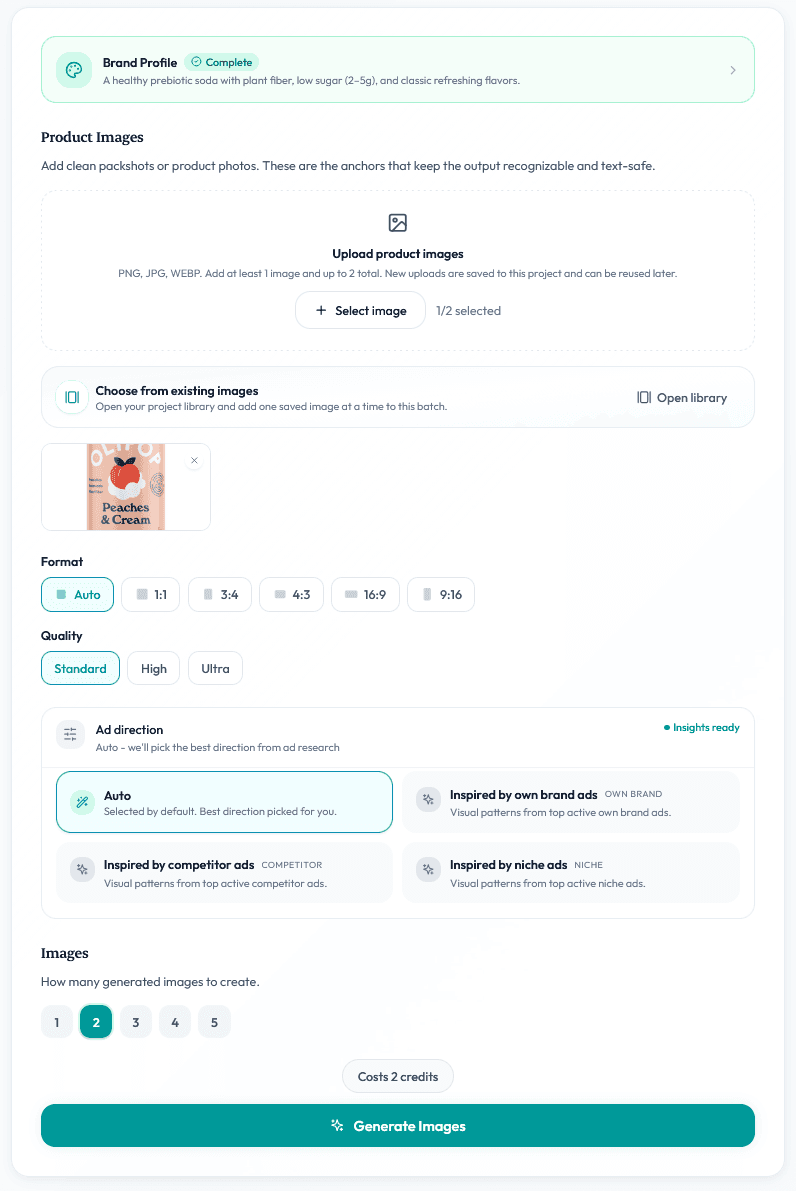
Upload your product photo.
Drop in a plain shot from your phone or your supplier. The AI reads the product first and preserves every label and texture before any background is touched.
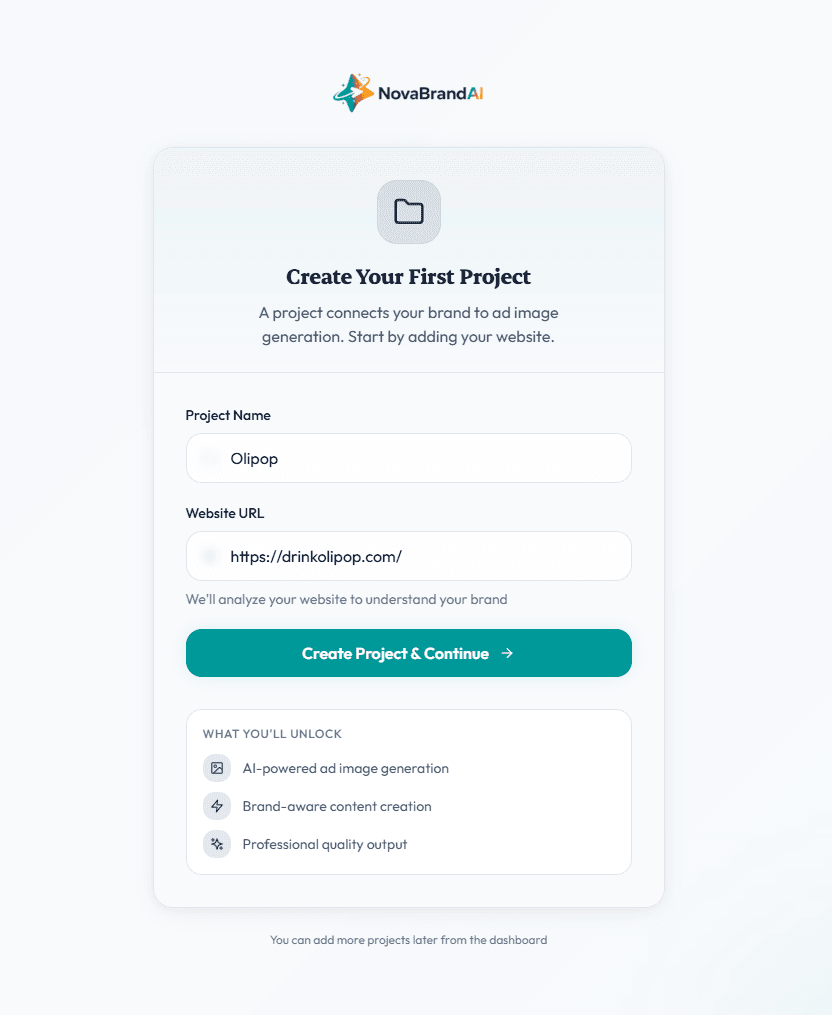
NovaBrand researches your niche and applies your brand profile.
It checks what is already selling well in your category and pairs that with your saved colors and style. Then it picks backgrounds that fit your product instead of a template.
Pick a quality tier and export for every platform.
Standard is built for ad testing. High is built for PDP and marketplace listings. Ultra is built for campaign heroes. Every background exports in every ratio your channels need.
You can also skip the app entirely. NovaBrand connects to Claude, ChatGPT, OpenClaw, and Hermes over MCP. Prompt a background from your chat and your AI agent generates it while you do something else.
NovaBrand vs free background generator apps
Free background apps are fine for a quick one-off swap. The gap shows up when you need 50 products to look like one brand and every image ready to run as an ad.
Running paid social? Backgrounds are step one. Our AI ad creative generator turns the same uploads into ecommerce ad creatives with copy included.
Why do AI product backgrounds look pasted on?
Because most tools cut the product out and paste it onto a template. The template was made before the tool ever saw your product.
So the light on the product does not match the light in the scene and the shadows fall the wrong way. Customers cannot name the problem. They just stop trusting the photo.
NovaBrand generates the scene around the product instead.
It reads your product first. It keeps every label and texture. Then it builds the background light and shadows to match.
The result looks like a real photo shoot instead of a sticker on a stock image.
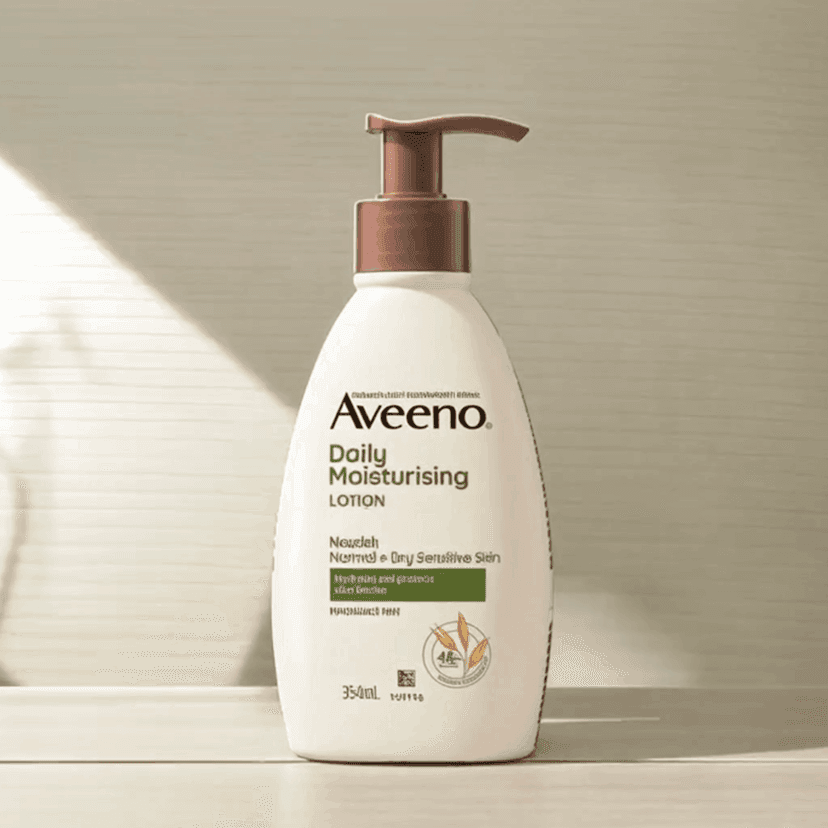
Product morphs and shadows misalign
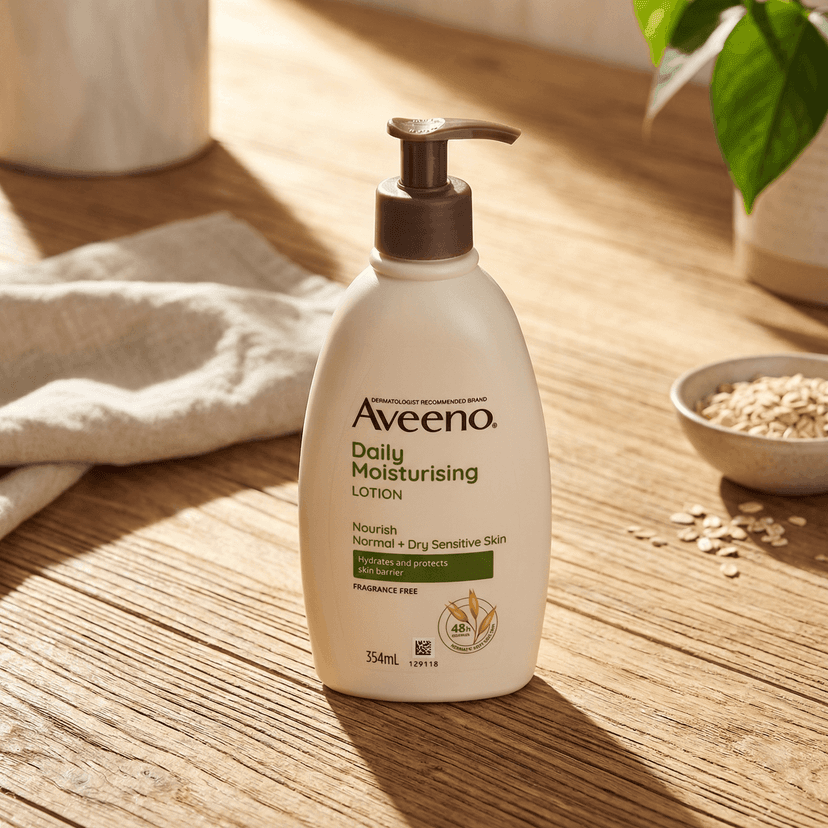
Product preserved and scene matched
Who this is built for
D2C Shopify brands
Brands that test new ads every week and add new products every month. One brand profile keeps every background on brand as you grow.
Amazon and marketplace sellers
Sellers who need clean hero backdrops and lifestyle shots without booking a shoot every time inventory changes.
Beauty and fashion brands
In beauty and fashion the background sets the mood of the whole brand. NovaBrand keeps hundreds of product images on one visual style.
Dropshippers and pre-launch brands
No inventory access and no studio budget needed. One supplier photo becomes a full set of product images before your first order ships.
Give your product a background that sells it
Free to start with 10 images and no credit card required.
Common questions
The questions brand owners ask before they trust an AI with their backgrounds.
The fake look comes from tools that cut your product out and paste it onto a template with mismatched lighting and shadows.
NovaBrand generates the scene around your product instead and matches light and shadow to the setting. That is the difference between a sticker and a photo.
No. The AI reads your product first and preserves every label and texture before any background is generated.
The scene changes. The product stays exactly as it ships.
Yes. Your brand profile stores your palette and style once and every background that follows uses it.
That is how a 200-SKU store ends up looking like one brand instead of 200 template picks.
No. Upload a product photo and pick a quality tier.
Niche research and your brand profile fill in what a prompt would normally say. Prompting is optional if you want to refine the final image in any small way.
Yes. NovaBrand connects to Claude, ChatGPT, OpenClaw, and Hermes over MCP.
Prompt a background from your chat and it gets generated without you opening the app. Agents like OpenClaw and Hermes can run whole batches while you do something else.
Upload one product photo
Get studio backdrops and lifestyle scenes and ad creatives from a single upload.
Backgrounds are just one piece. NovaBrand also handles product photo editing and the full AI product photography workflow.