
Free Etsy Listing Photo Size Checker & Resizer
Check any image against every Etsy photo size in seconds. Resize to listing photo, banner, shop icon or profile dimensions and download a JPG that is ready to upload.
Also works as an Etsy banner size checker, shop icon resizer, profile photo validator and Etsy image size guide.
Etsy's recommended size.
Etsy recommends a horizontal (landscape) first photo. Landscape uses the full thumbnail frame and crops cleanly into square in search.
Tip. Both width and height should be at least 2000 px. Etsy says the first listing photo should also be at least 635 px on both sides.
Drop an image to check it
Your file stays on your device. Nothing uploads to a server. You get pass or fail against every Etsy rule, a side by side crop preview and a resized JPG ready to upload.
Turn one product photo into Etsy ready hero shots.
NovaBrand is an AI product photo generator for ecommerce sellers. Upload one product photo and get on-brand hero images, lifestyle scenes and ad creatives in minutes. No studio. No photographer.
Every Etsy image size in one place
Listing photos. Banners. Shop icons. Profile photos. Every Etsy image dimension cross checked against Etsy's own help docs and the seller handbook.
| Image type | Etsy spec | Aspect ratio | Max file size |
|---|---|---|---|
Listing photo (landscape) | 2700×2025 Recommended | 4:3 | 1.00 MB |
Listing photo (square) | 2000×2000 Recommended | 1:1 | 1.00 MB |
Shop icon (logo) | 500×500 Recommended | 1:1 | 1.00 MB |
Profile photo (seller) | 400×400 Recommended | 1:1 | 1.00 MB |
Big shop banner | 1600×400 Recommended | 4:1 | 1.00 MB |
Mini shop banner | 1600×213 Recommended | ~7.5:1 | 1.00 MB |
Carousel banner (Etsy Plus) Etsy Plus | 1200×300 Minimum | 4:1 | 1.00 MB |
Collage banner 2-up (Etsy Plus) Etsy Plus | 600×300 Minimum | 2:1 each | 1.00 MB |
Order receipt banner | 760×100 Minimum | ~7.6:1 | 1.00 MB |
Team logo (Etsy Teams) | 170×100 Recommended | 17:10 | 1.00 MB |
Pulled from Etsy's Help Center articles "Requirements and Best Practices for Images in Your Etsy Shop" and "Etsy Plus Advanced Shop Customisation". Where Etsy publishes a minimum only, go bigger than the minimum for sharper display.
Why your Etsy banner size looks blurry after upload
The single biggest complaint from Etsy sellers is a fuzzy banner. 3 causes account for almost every case.
- 1
Designed at the minimum size
The minimum is not the recommendation. Etsy publishes 1200 × 300 as the floor and 1600 × 400 as the recommended size for the big banner. Design at 1600 × 400 or larger and the upload stays sharp.
- 2
Saved at low JPG quality
Canva and other tools default to a small file size. That hides compression artefacts at thumbnail size but the banner stretches across the full shop page. Export at 90 percent quality and let the file land between 200 KB and 1 MB.
- 3
Source image upscaled in Photoshop
Starting from a 600 × 200 photo and scaling up to 1600 × 400 invents pixels that do not exist. The result looks soft. Either find a higher resolution source or shoot a new one.
The Etsy image mobile crop nobody warns you about
Listing photos look fine on the Etsy website. Then a seller opens the buyer app on their phone and the top of the product is gone.
Desktop shows 1:1
The Etsy website renders your first listing photo as a square thumbnail in shop grids and search. Anything you placed in the centre is safe.
Mobile app crops to 4:5
The Etsy buyer app and the Etsy Seller app crop the same photo to a 4:5 portrait. The top and bottom get cut off. Logos and packaging text in those zones disappear on phones.
The fix
Keep your product inside the centre 70 percent of the canvas. The checker above shows the same image inside both crops side by side so you can see what survives before you upload. If something important falls outside the safe zone, reframe in your editor before going live.
The silent killers in Etsy photo uploads
6 things that pass every "looks right in my editor" check and then break on Etsy. The checker flags five of them automatically. The sixth lives in your design tool.
Transparent PNG turns black
Etsy fills transparent pixels with black rather than the page background. A logo that looks perfect in Photoshop renders as a dark blob on Etsy. The tool detects transparency in your PNG and flattens it on white during resize.
CMYK files display with wrong colors
Files exported from Photoshop or InDesign often default to CMYK for print. Etsy needs sRGB. Reds turn orange and blues turn purple. Re-export in sRGB before upload.
Animated GIFs are not supported
Etsy explicitly does not support animated GIFs. The upload may fail or display incorrectly. Convert your animation to a listing video instead. Etsy accepts up to 100 MB video files for that.
WEBP files get rejected
Etsy supports JPG, PNG, GIF, SVG and HEIC. WEBP is not on the list even though every other platform accepts it. Convert to JPG before upload.
First photo under 635 px loses search rank
Etsy documents that the first listing photo should have a width and height of at least 635 pixels or it will show up lower in search. If either dimension falls under 635 px the lead image breaks the rule.
Files over 1 MB stall on slow connections
Etsy says images over 1 MB may not finish uploading. The hard reject happens at 20 MB but anything over 1 MB can time out on a coffee shop connection. Resize before upload.
How to use the Etsy image size checker in under a minute
Five steps. No login required.
- 1
Pick the Etsy slot
Choose whether the image is for a listing photo, shop icon, profile, big banner, mini banner, carousel, collage, order receipt or team logo. The spec card on the left updates instantly.
- 2
Drop your image
Drag the file into the upload zone or click to pick from your computer. JPG, PNG, GIF, SVG and HEIC all work. Files stay on your device.
- 3
Read the report
You get pass, warn or fail against every Etsy rule. Dimensions, aspect ratio, file size, transparency and the documented search penalty for narrow first photos.
- 4
Check the crop preview
See the same image inside the Etsy desktop grid, the mobile app feed and the search thumbnail. The dashed safe zone shows what survives every crop.
- 5
Download the resized JPG
The tool resizes to the exact target dimensions, flattens any transparency on white and tunes JPG quality to land under 1 MB. Ready to upload to Etsy.
Need fresh photo concepts before you start resizing? The product photography ideas generator outputs scene briefs and AI prompts for any product type.
Correct sizes are step one. The photo still has to be worth uploading.
This tool fixes dimensions and file size. It cannot fix a photo shot on a kitchen counter with a phone flash. NovaBrand turns a plain product photo into lifestyle shots and Etsy ready hero images in minutes.
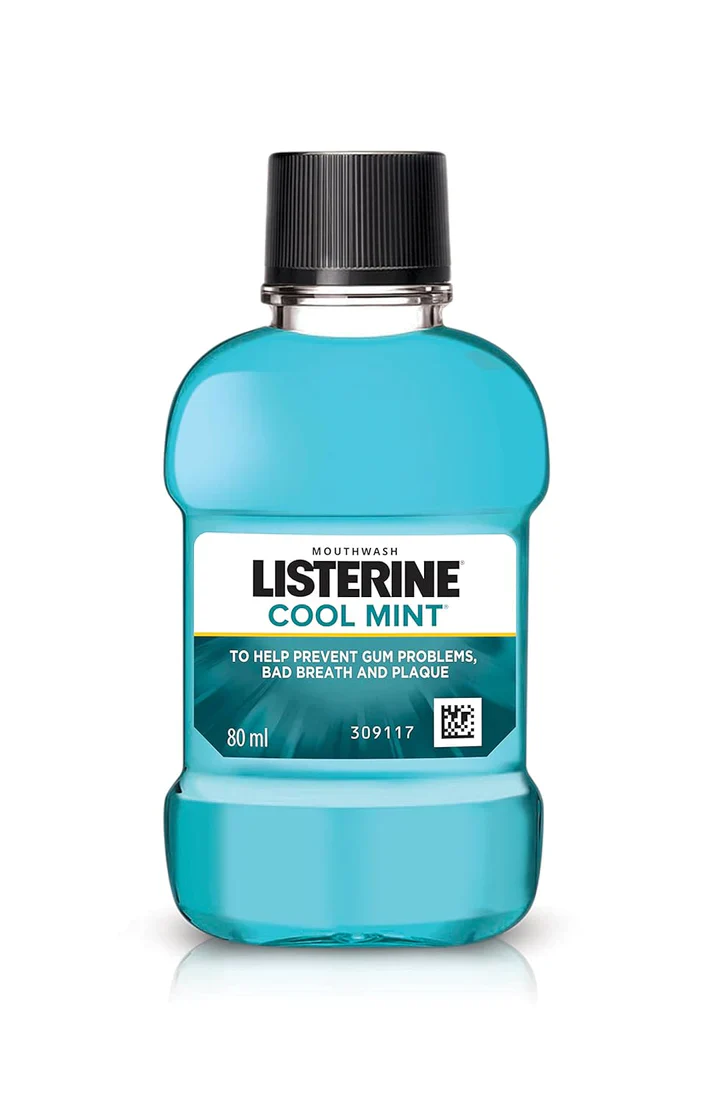
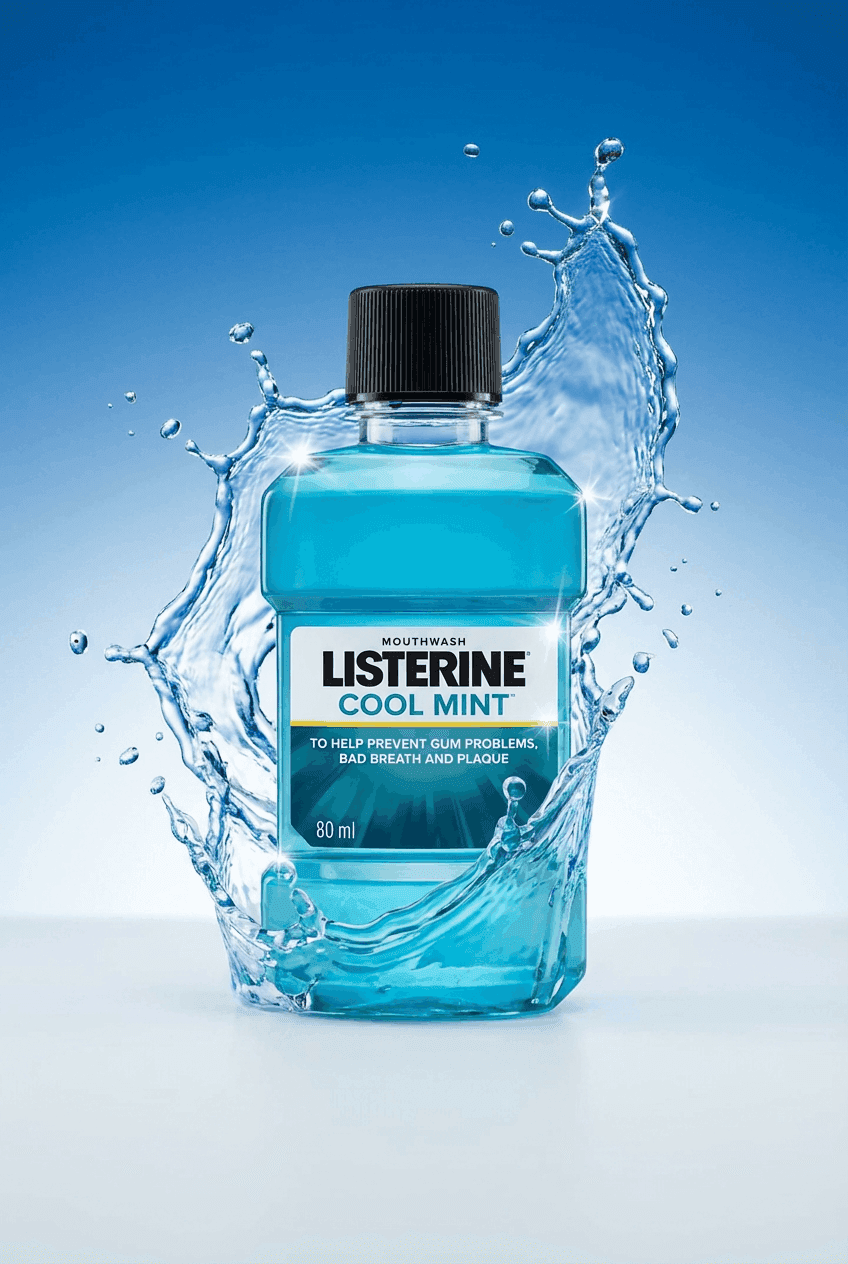
One plain product photo in. Multiple on-brand Etsy ready images out. Drop any of them back into this checker and you have a complete listing ready to upload.
Frequently asked questions
The questions Etsy sellers ask most often about photo sizes.
Etsy recommends listing photos have a width and height of at least 2000 pixels. The cleanest setup is a 2000 × 2000 JPG under 1 MB in the sRGB color space. The first photo of a listing should also be at least 635 pixels on each side or Etsy may rank the listing lower in search.
Almost always because the source image is too small. The most common mistake is designing at the minimum 1200 × 300 instead of Etsy’s recommended 1600 × 400. Etsy compresses every banner during upload so anything that starts low resolution becomes fuzzy. Design at 1600 × 400 or larger and export as JPG between 200 KB and 1 MB.
The Etsy buyer app and the Etsy Seller app crop listing photos to a 4:5 portrait ratio while desktop shows the full square. The same image looks different in each surface. Keep your product inside the centre 70 percent of the canvas so it survives both crops. The crop preview in this tool shows you exactly what each surface will display.
Etsy fills transparent pixels with black rather than the page background. PNG with transparency renders fine in Photoshop and Canva so the bug is invisible until the image goes live. Flatten transparency onto white before upload. This tool detects transparent areas and flattens them automatically when you download the resized JPG.
Yes. No signup, no email, no watermark and no credit card. Files stay on your device because all the validation and resizing happens in your browser. NovaBrand makes money from a separate AI image generator for ecommerce brands and offers this tool as a free resource.
Skip the photo shoot. Generate the actual product image.
NovaBrand turns a single product photo into Etsy ready images. Lifestyle scenes, hero shots and ad creatives in minutes. No studio, no photographer.
Resize the result with this checker and your Etsy listing is ready to ship.